CoCO SWING
所有應用程式

SpeakWeb

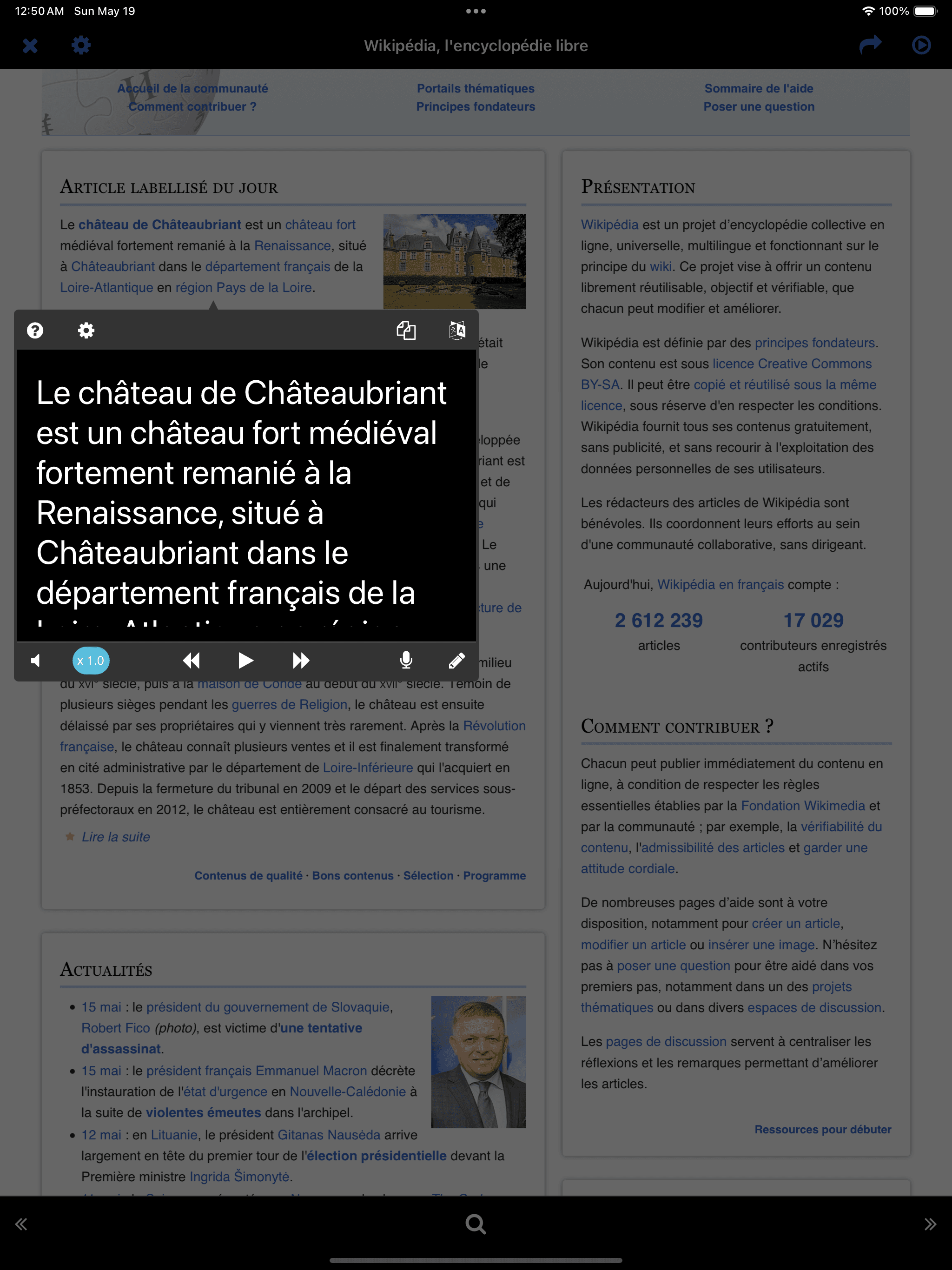
Web Reader

iOS
Download on the App Store
SpeakWeb

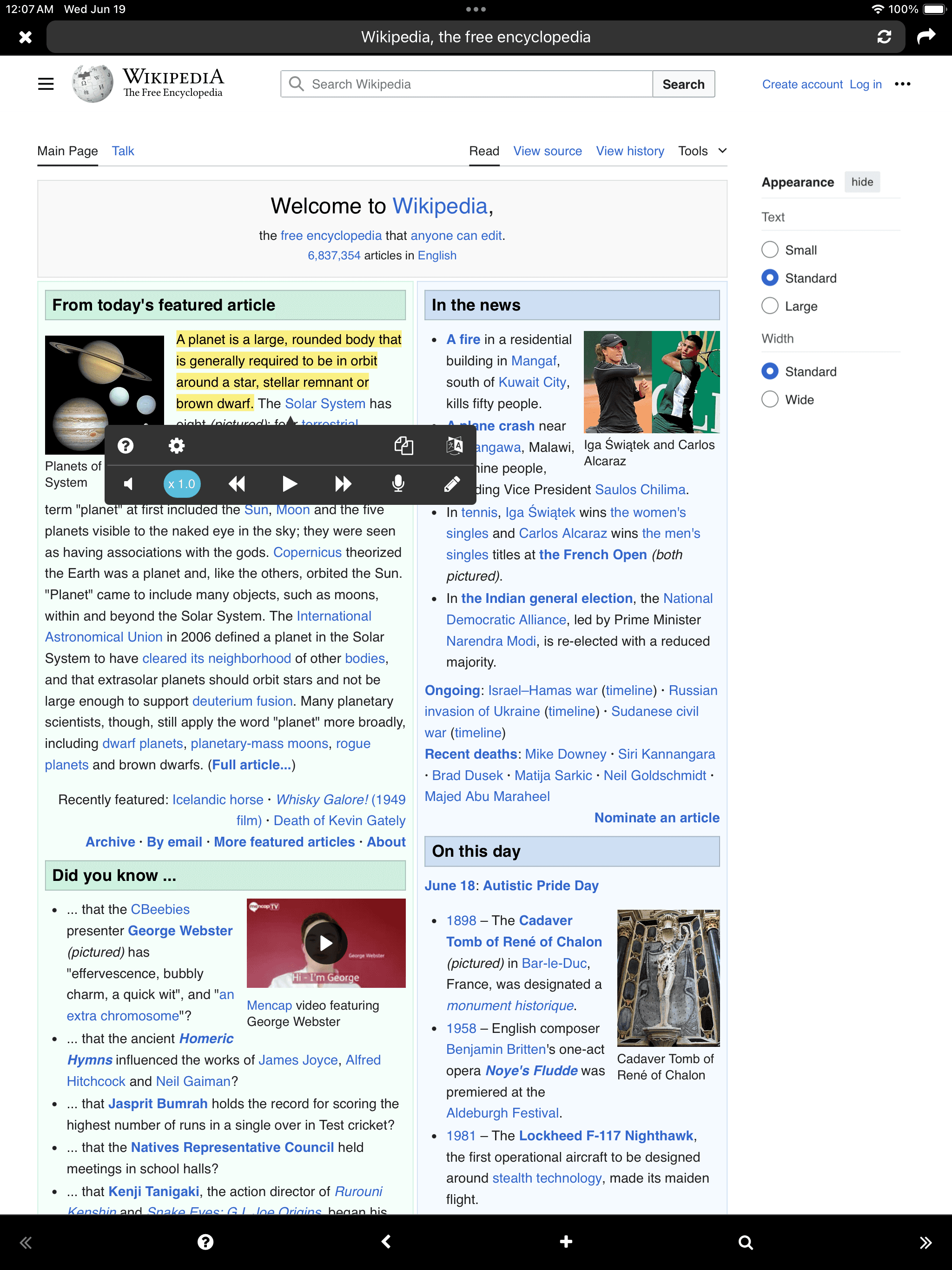
到目前為止,自助學習方式是用眼睛閱讀或手寫筆記的方式。 結合聽覺學習方式會如何呢? 可以邊朗讀邊錄音和播放要學習的內容。 無需紙和筆,即可在鍵盤上輸入內容。 大聲朗讀或記錄內容,會更長時間保留在腦海中。 - 通過TTS (Text-to-Speech)收聽 - 通過錄音口語 - 通過鍵盤寫作 - 背景播放 “在看不到屏幕的情況下也能像聽音樂一樣的看書” - Google翻譯連接 “閱讀外語文件時可以立即嘗試翻譯” - Web-site, Text, PDF - iCloud

使用SpeakWeb提高學習效率!

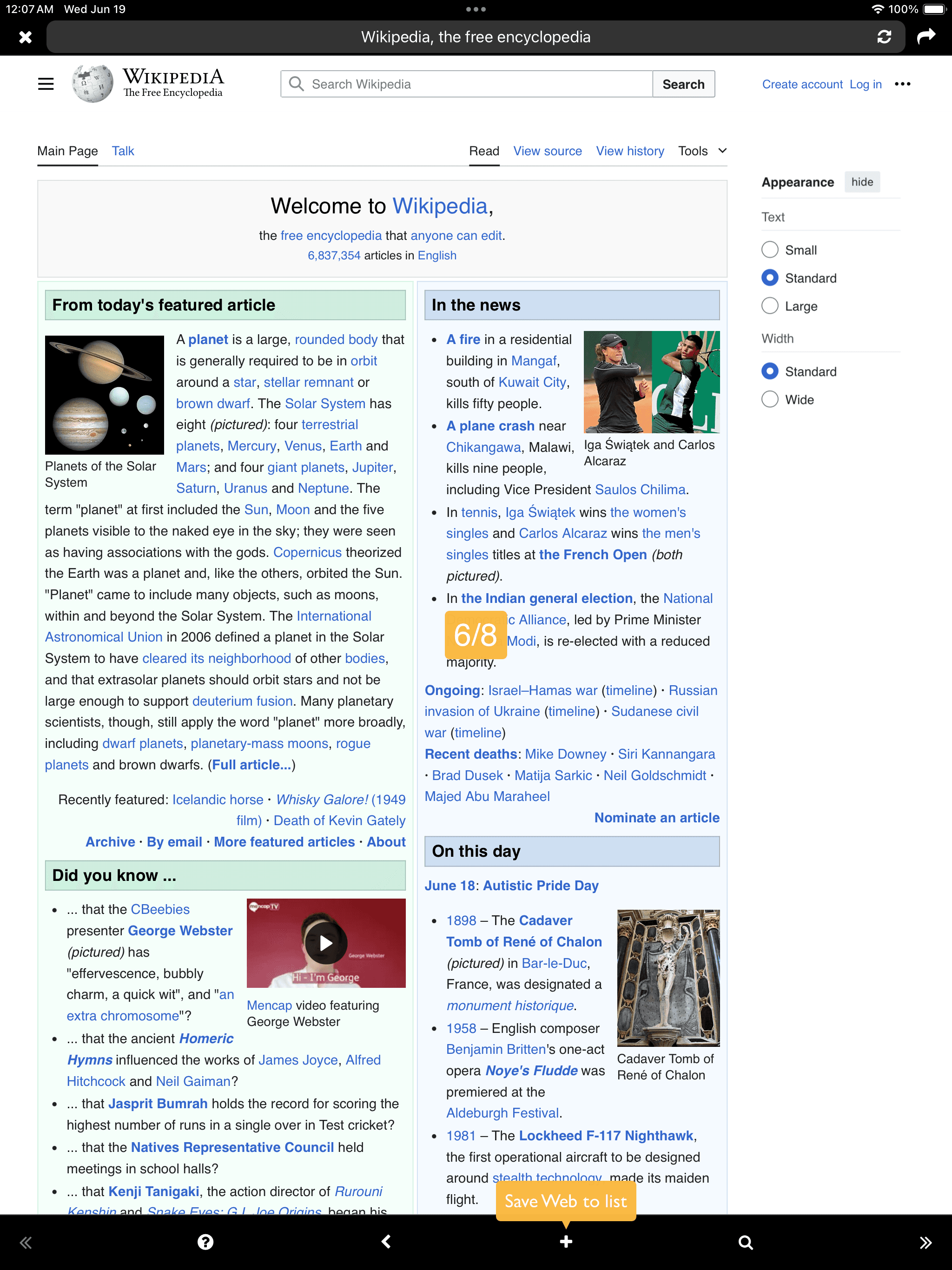
Add
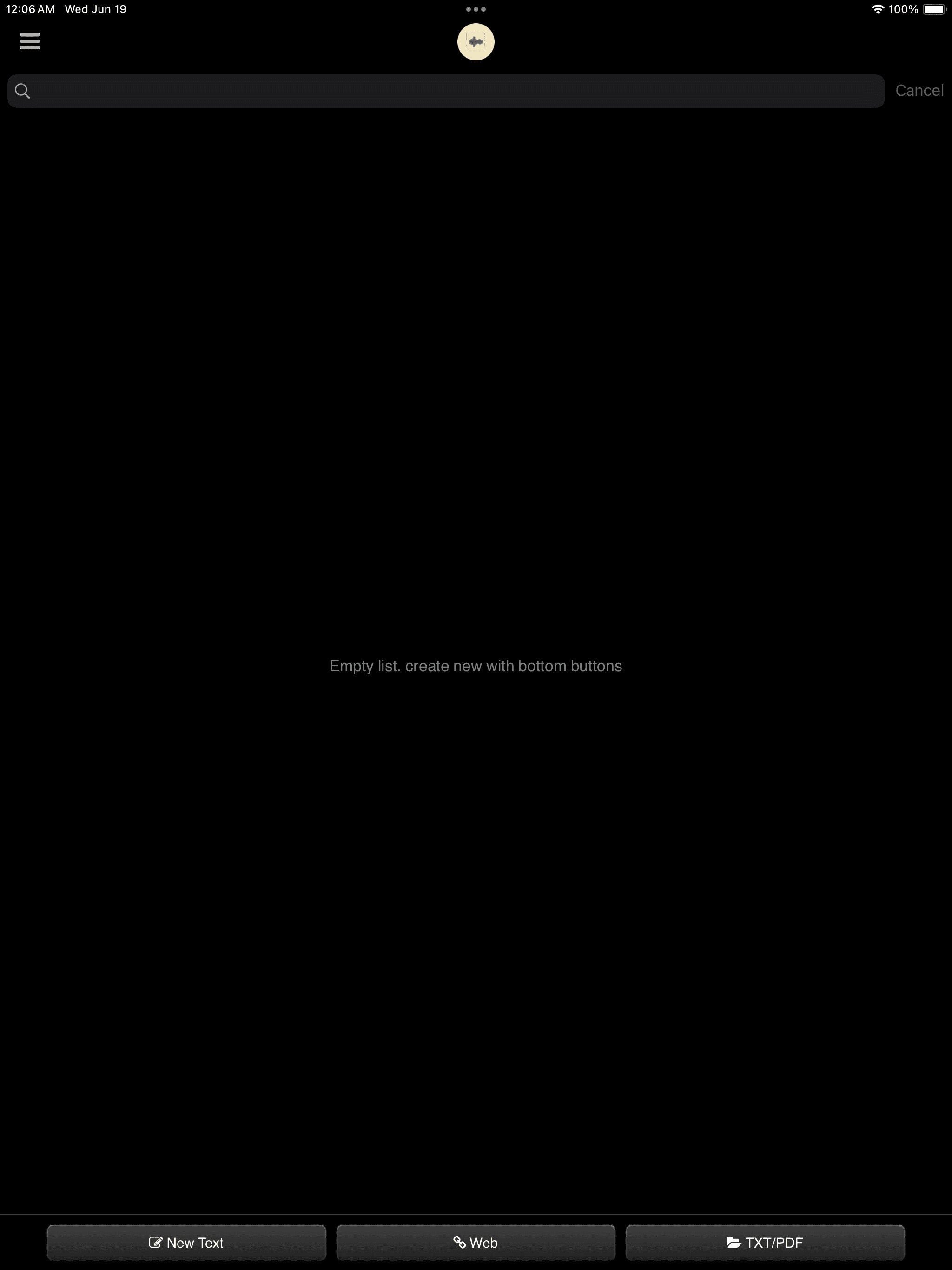
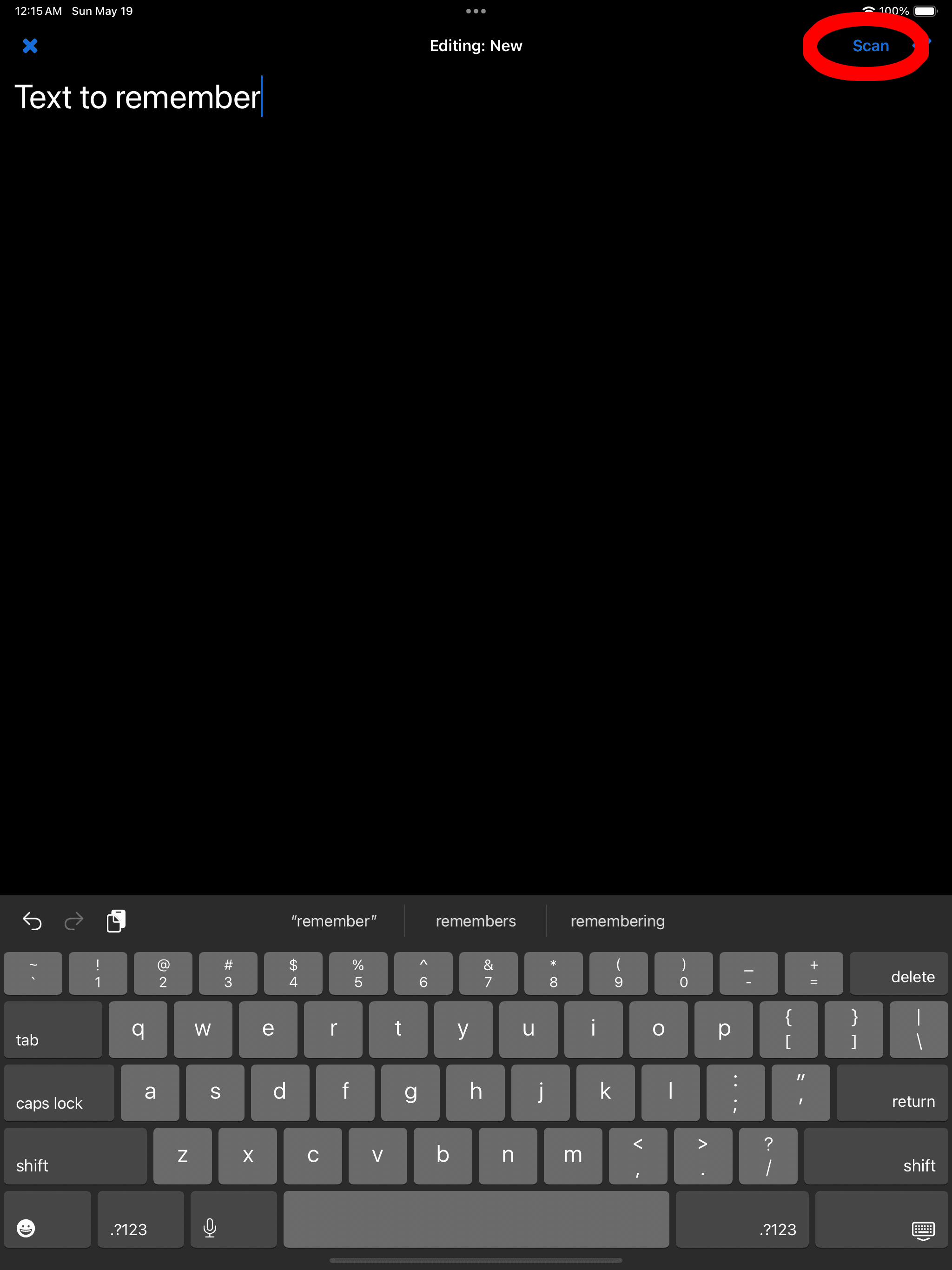
文字
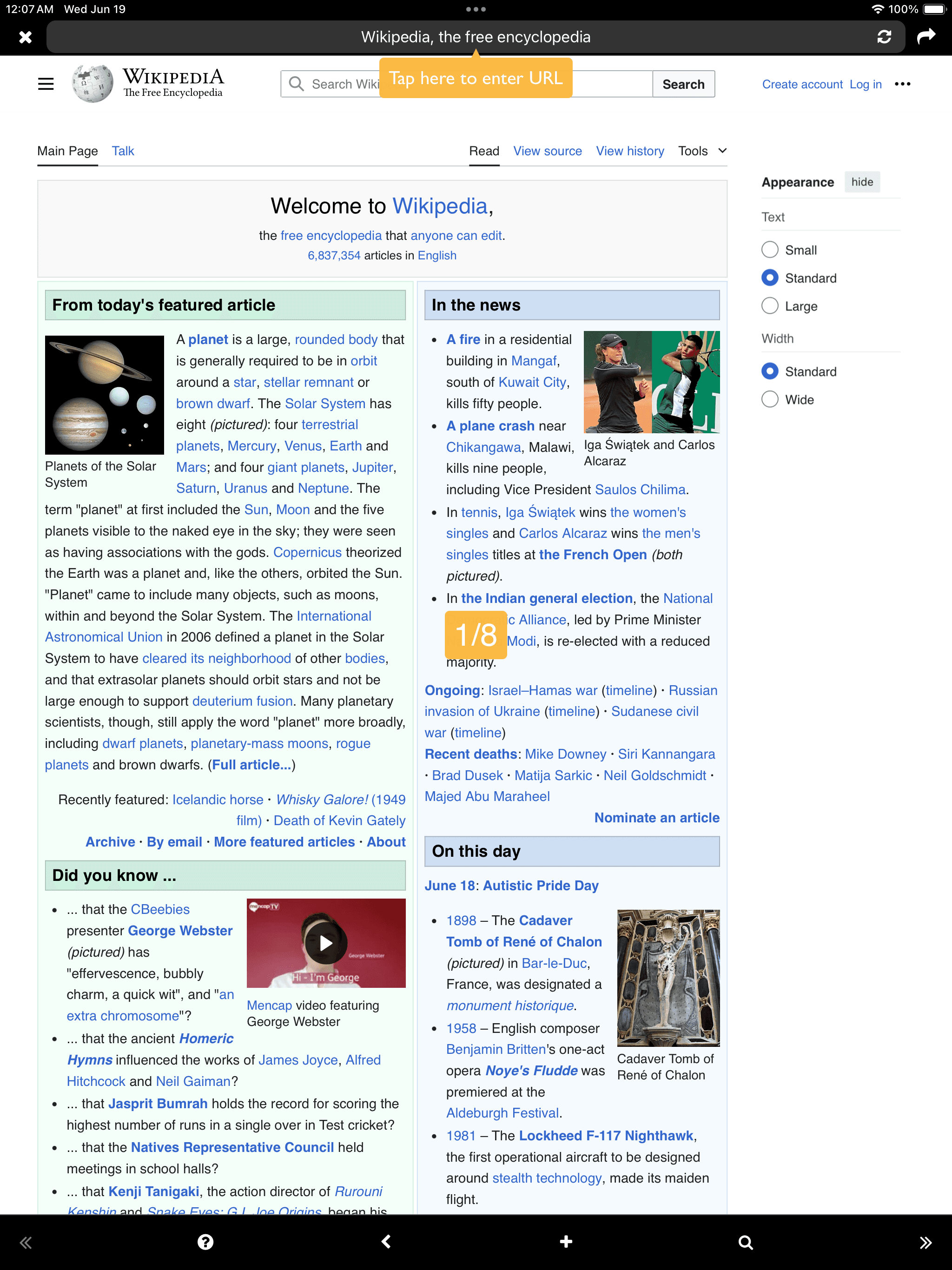
Web
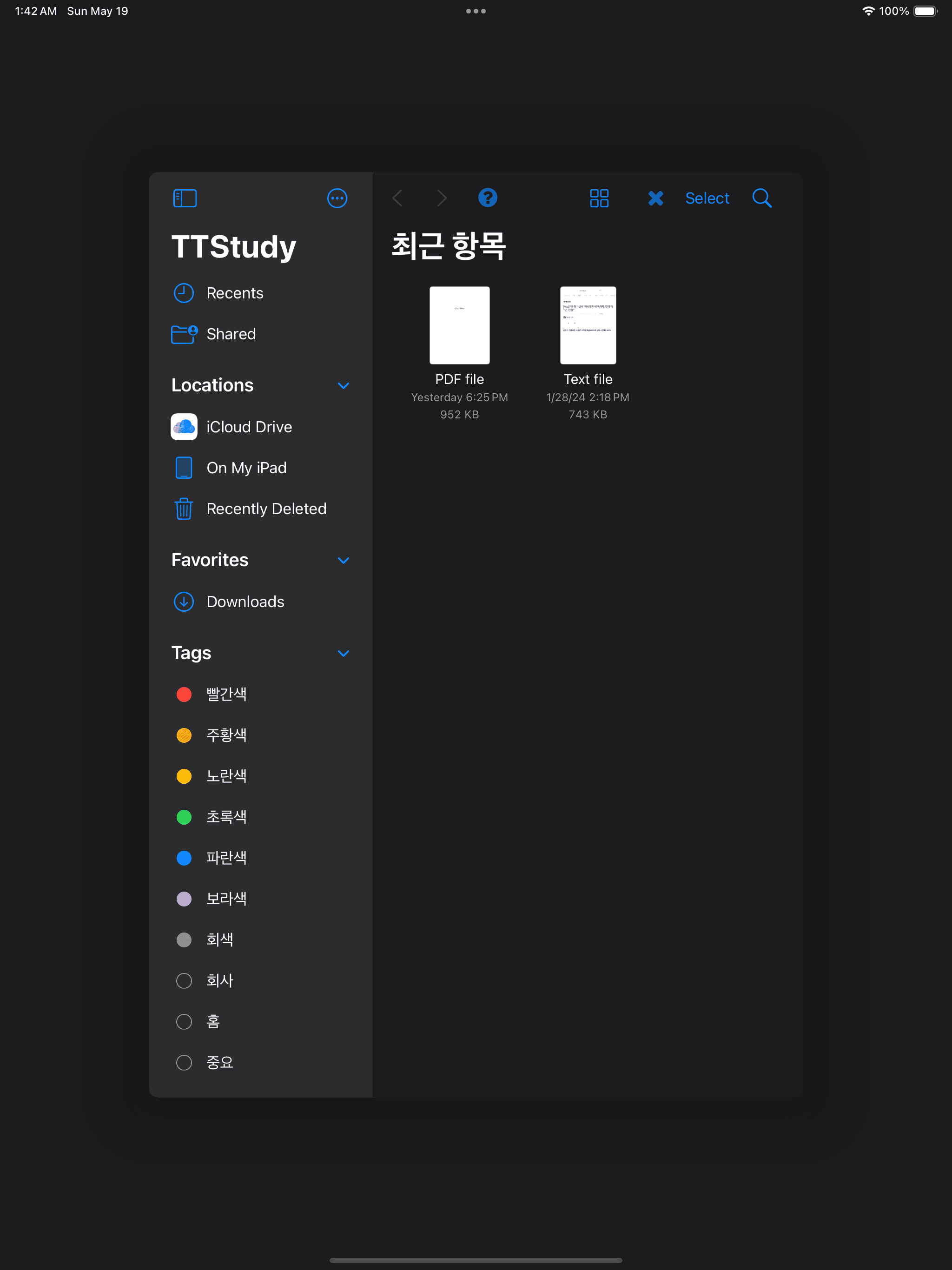
Open TXT/PDF (Document Browser)
文字 Web Open TXT/PDF (Document Browser)

Web

Web
Web
Web

文字

文字
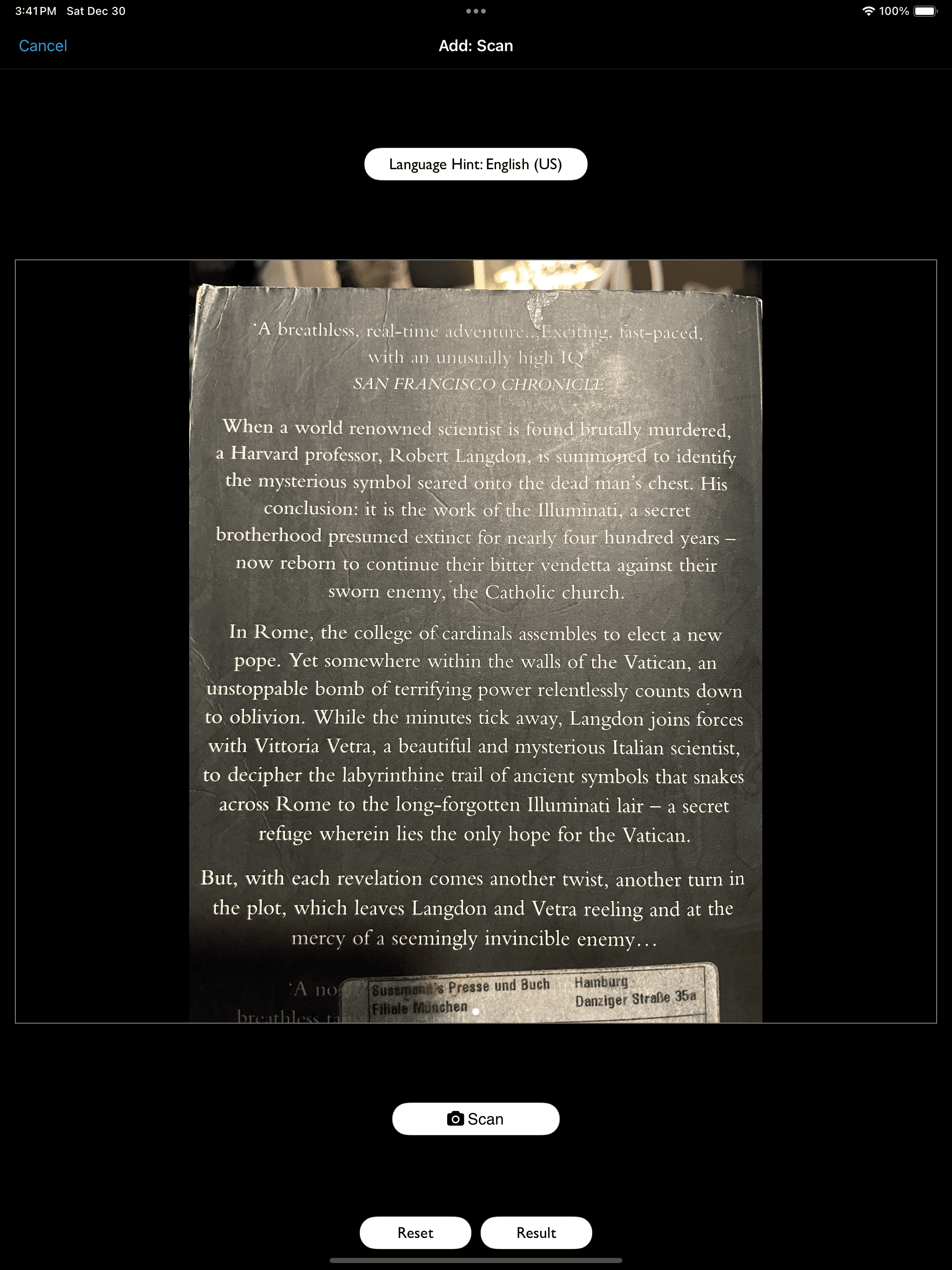
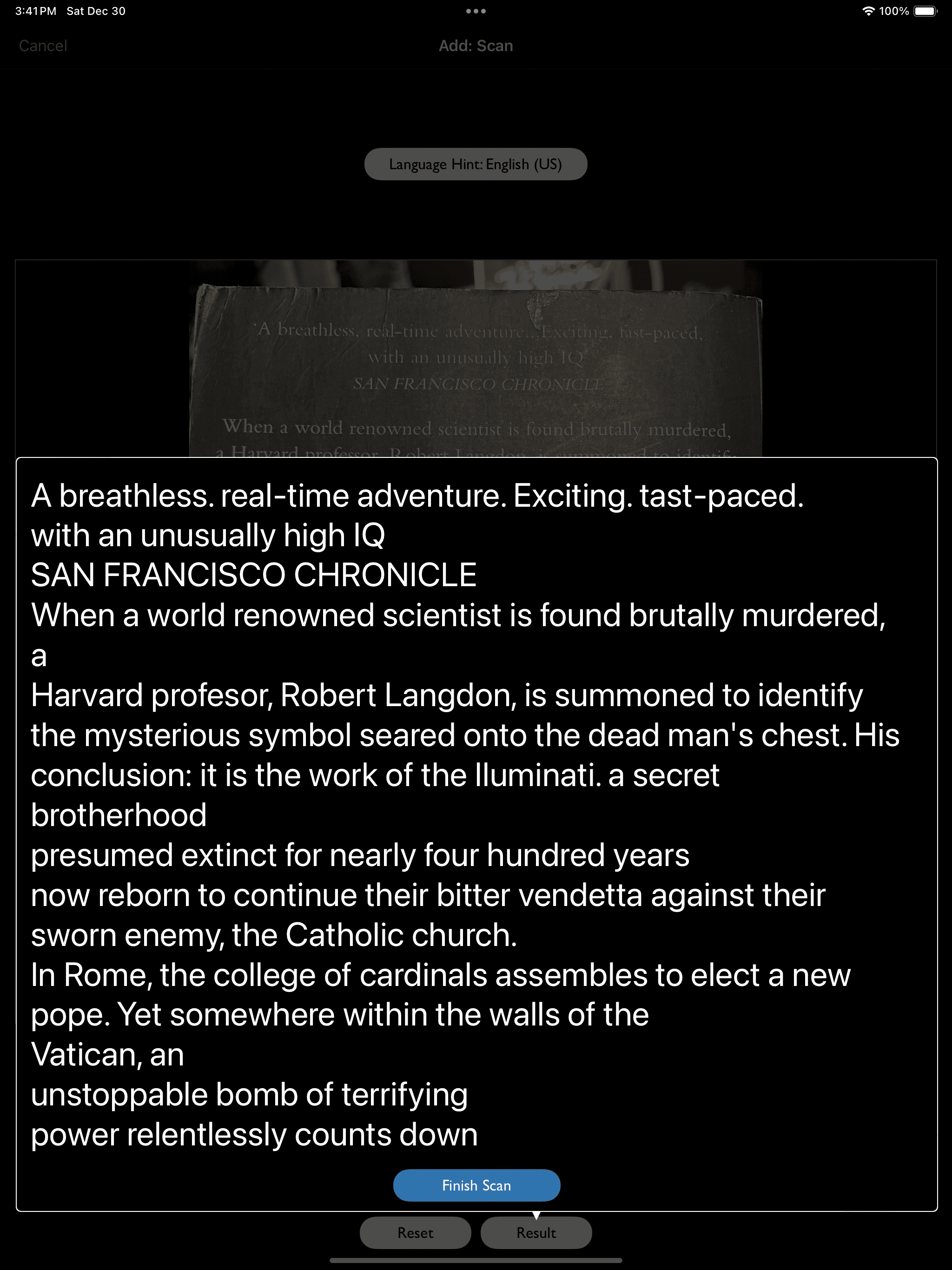
OCR (Scan) supported
文字

PDF

PDF

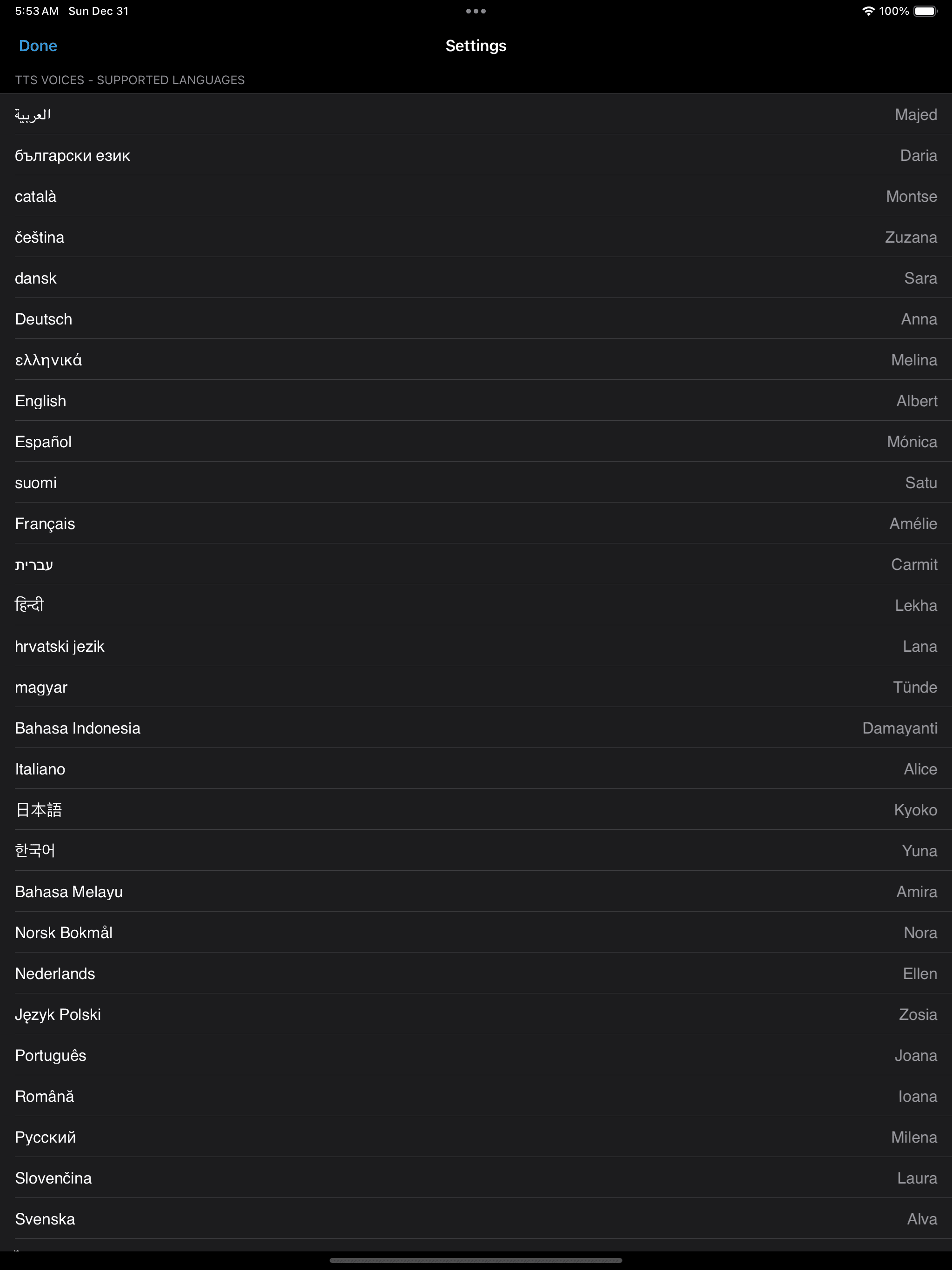
Multiple Languages

Multiple Languages

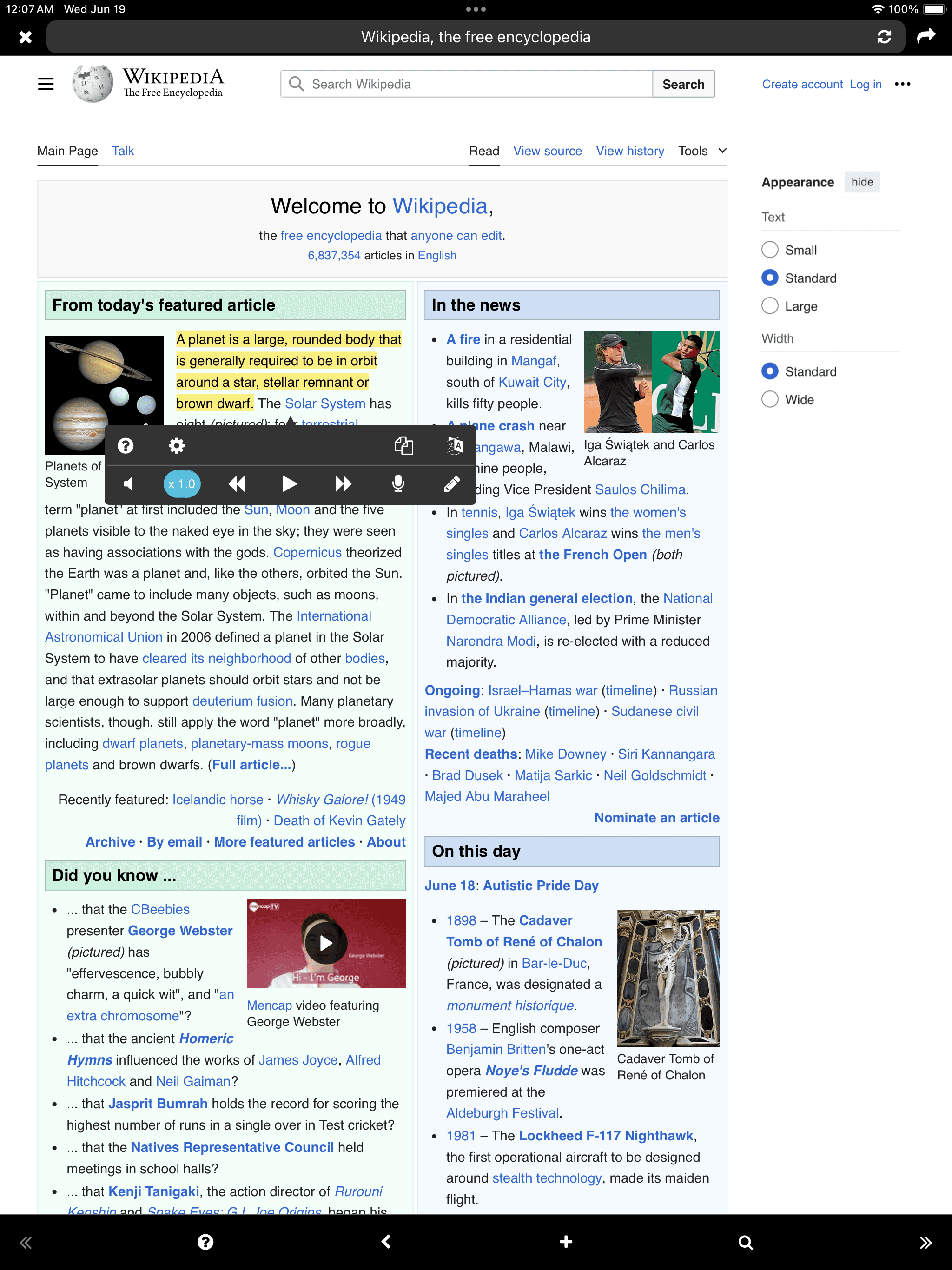
閱讀/聽力 (播放TTS)
閱讀/聽力 (播放TTS)
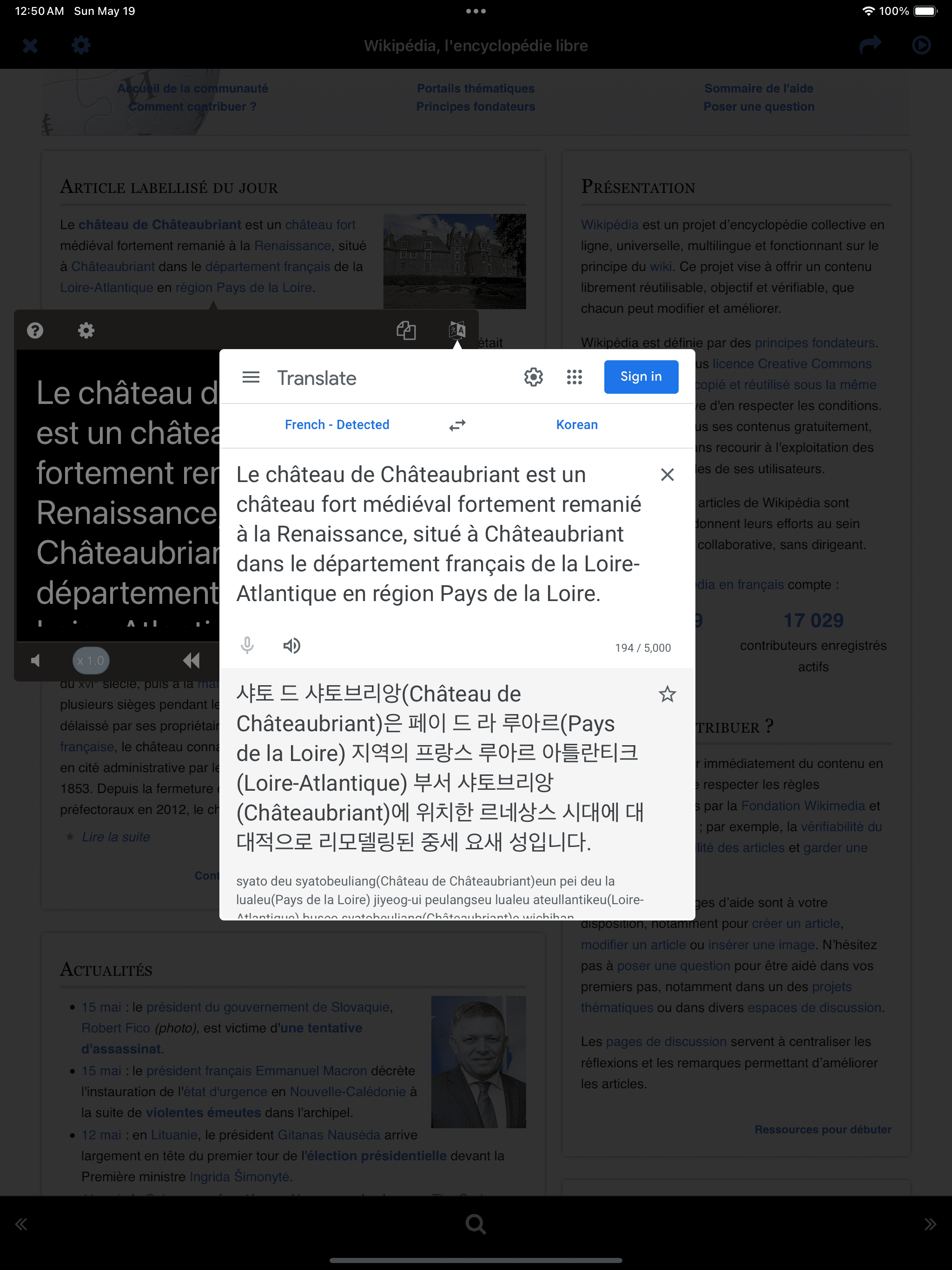
Instant Translation
* 外部鍵盤-
在Google Translate打開的情況下,按左/右箭頭鍵可移至下一個句子,並自動重新打開Google Translate。
Instant Translation * 外部鍵盤- 在Google Translate打開的情況下,按左/右箭頭鍵可移至下一個句子,並自動重新打開Google Translate。

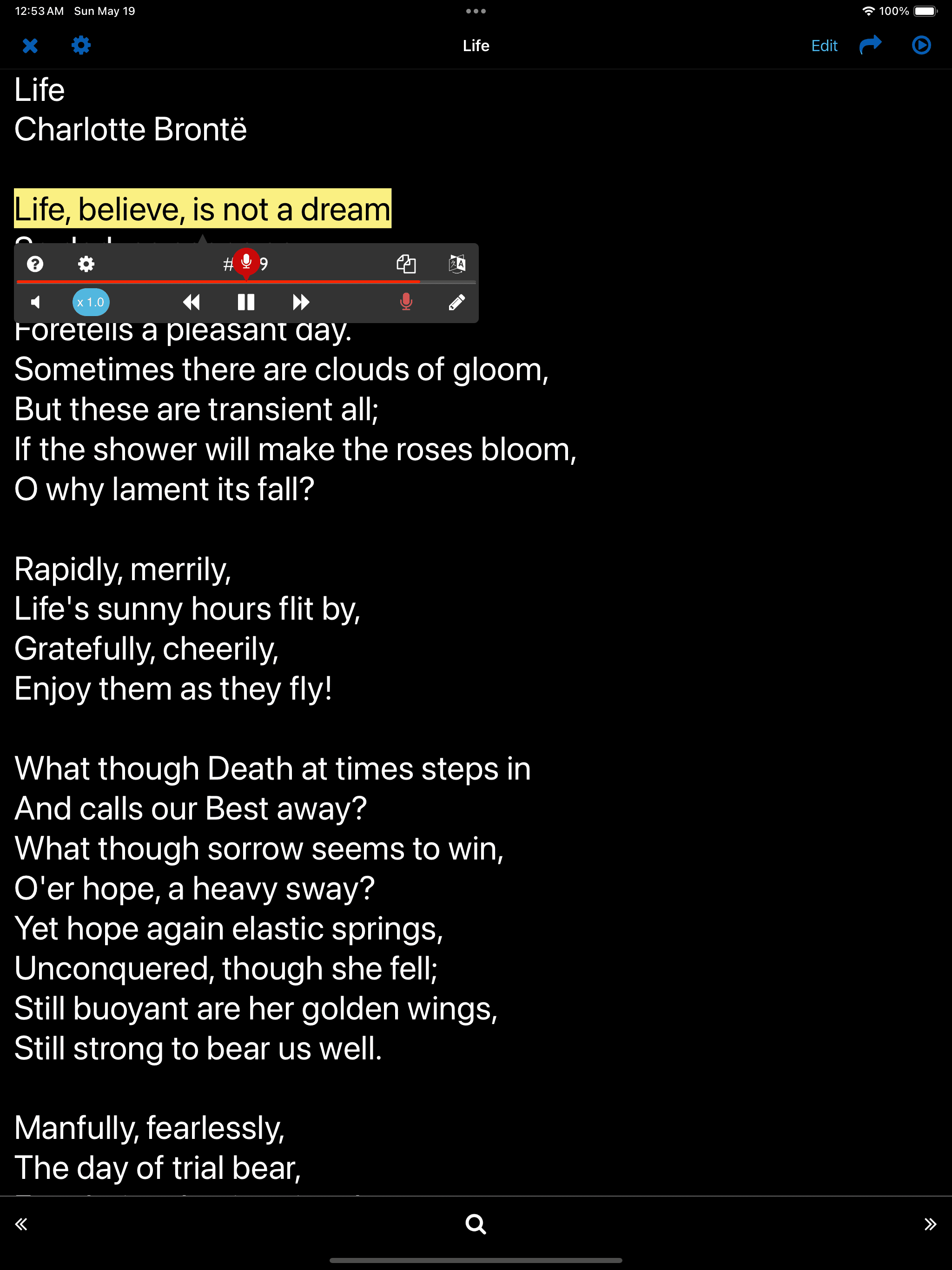
口語 - 朗讀

Tap the microphone button at the bottom right of the player
* 關鍵句子-
在SPEAK/WRITE功能中使用的句子被視為關鍵句子,並會自動單獨存儲,以便輕鬆訪問。
Tap the microphone button at the bottom right of the player * 關鍵句子- 在SPEAK/WRITE功能中使用的句子被視為關鍵句子,並會自動單獨存儲,以便輕鬆訪問。

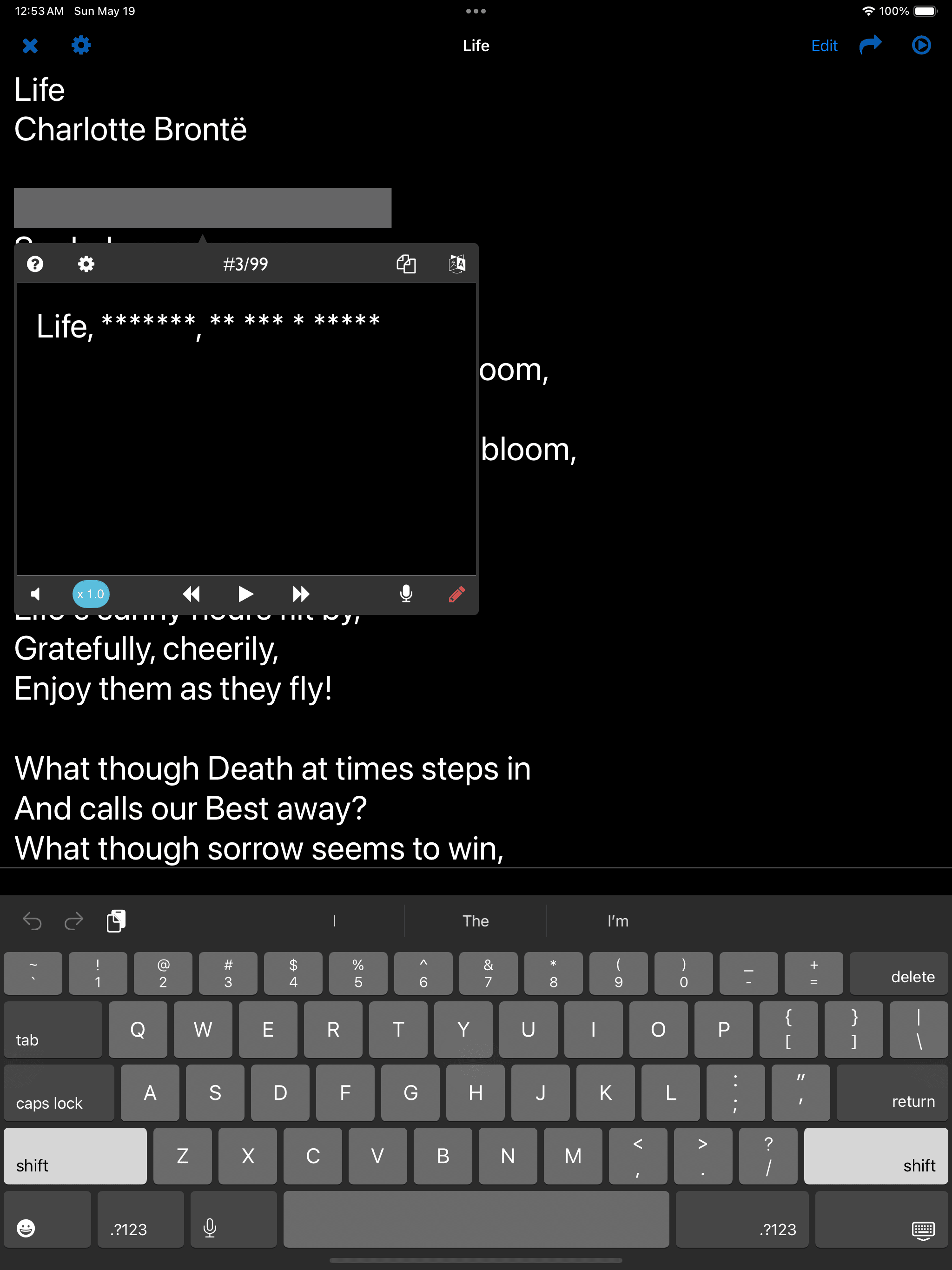
寫作 - 聽寫

Tap the pencil button at the bottom right of the player
* 關鍵句子-
在SPEAK/WRITE功能中使用的句子被視為關鍵句子,並會自動單獨存儲,以便輕鬆訪問。
Tap the pencil button at the bottom right of the player * 關鍵句子- 在SPEAK/WRITE功能中使用的句子被視為關鍵句子,並會自動單獨存儲,以便輕鬆訪問。

常見問題

SpeakWeb是免費的嗎?
SpeakWeb 是 App Store 上的付費 App。
有廣告、App 內購買或訂閱嗎?
沒有。一次購買即可使用所有功能,沒有廣告、App 內購買或訂閱。
可以離線使用嗎?
儲存在裝置上的 PDF 與文字文件不需連網也能閱讀。閱讀網站則需要網路連線。
需要註冊會員嗎?
不需要。無須註冊或登入即可立即使用。
支援哪些裝置?
支援 iPhone 和 iPad。