CoCO SWING
Tüm uygulamalar

SpeakWeb

Web Reader

iOS
Download on the App Store
SpeakWeb

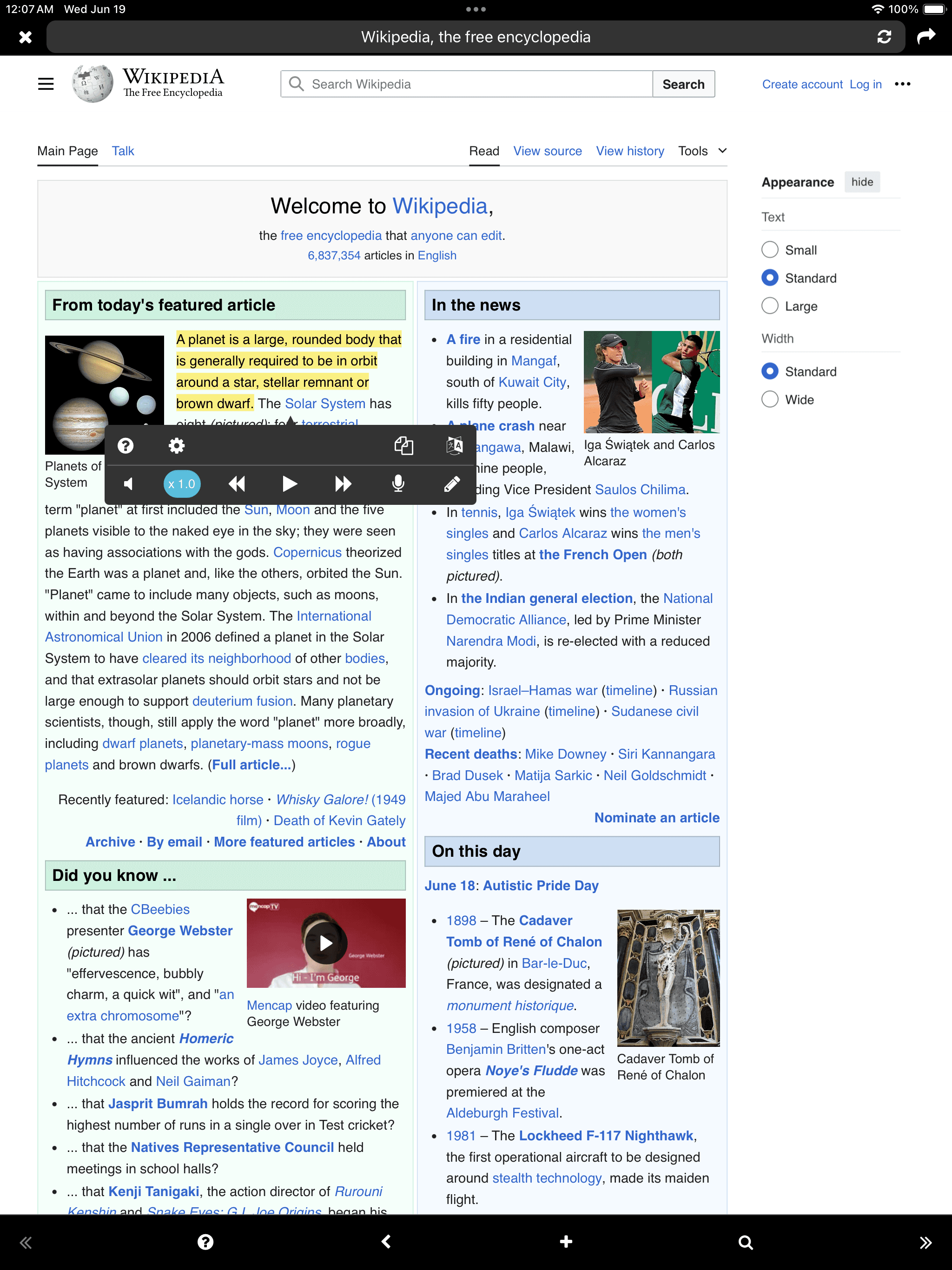
Until today, the self-learning method has been about reading with your eyes or taking notes by hand. How about grafting hearing as well? You can read out the learning content while recording, and play it back. You can type it with your keyboard, without using paper and a pen. Reading the text out loud or typing it out will definitely help the text last longer in your memory. - Listening through TTS (Text-to-Speech) - Speaking through recording - Writing through keyboard - Background playback “Even in situations where you can’t see the screen, you can read books just like listening to music” - Link to Google Translate “When reading a document written in a foreign language, you can translate it right away” - Web-site, Text, PDF - iCloud

Use SpeakWeb to improve your learning efficiency!

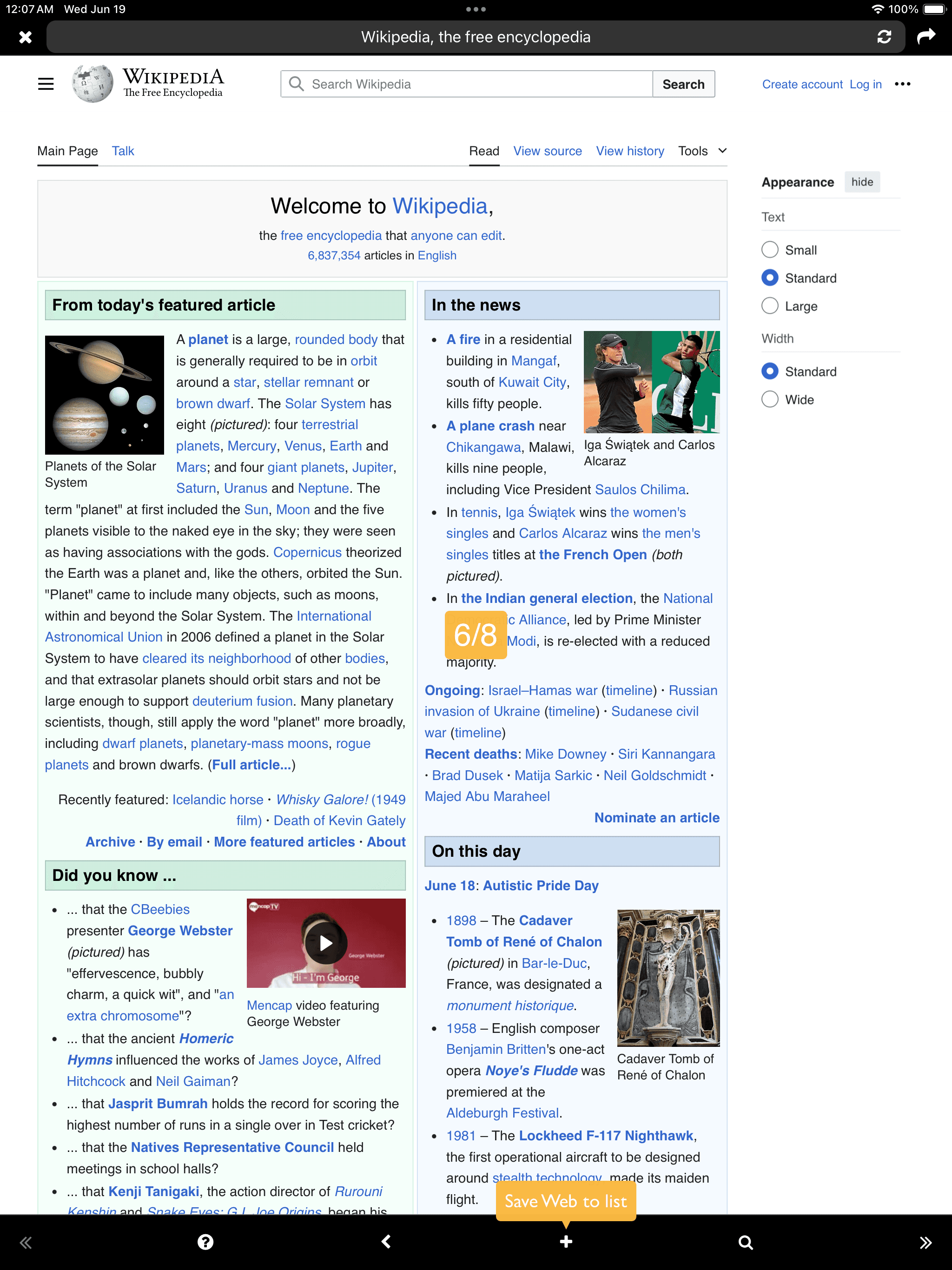
Add
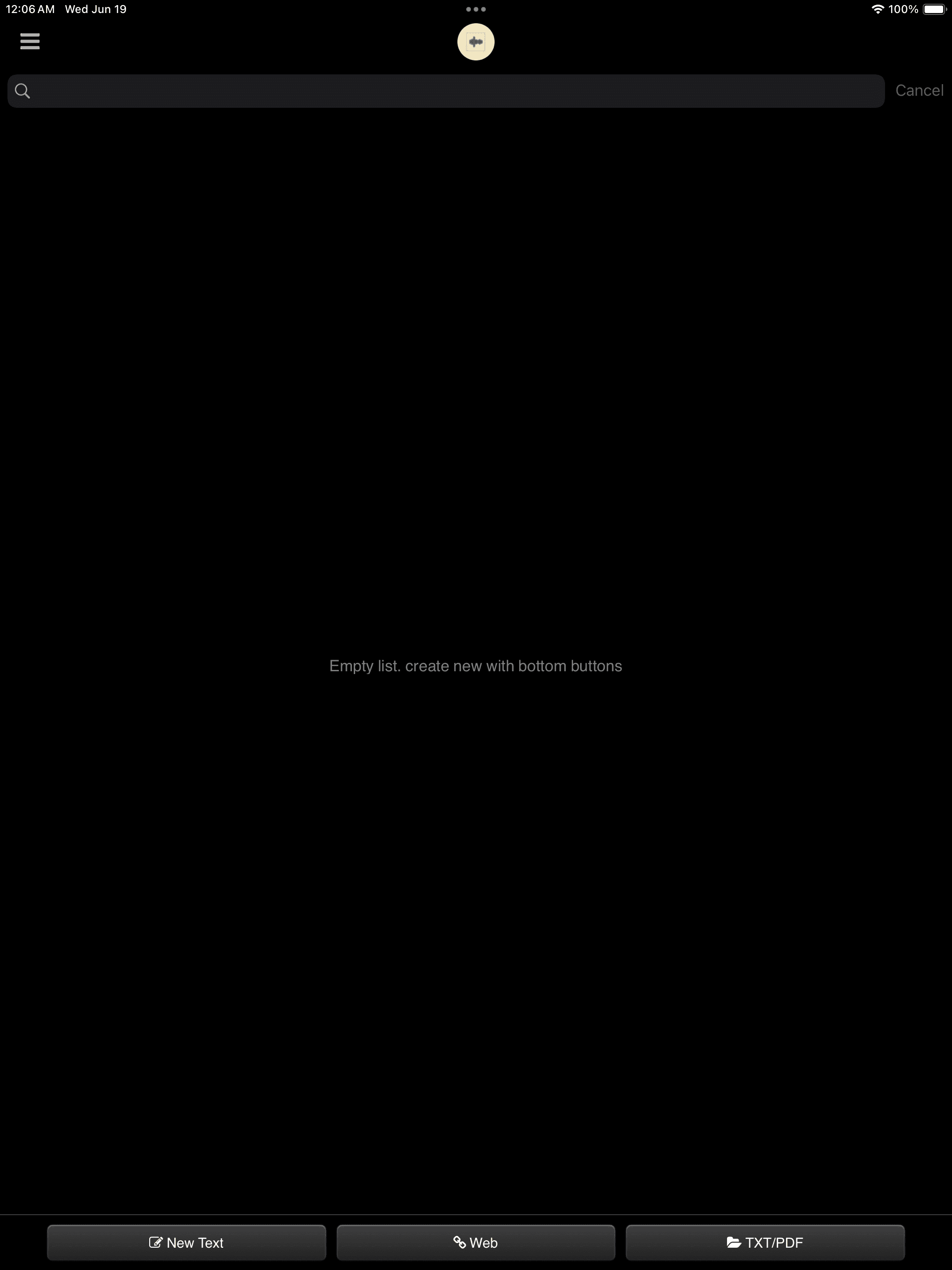
Text
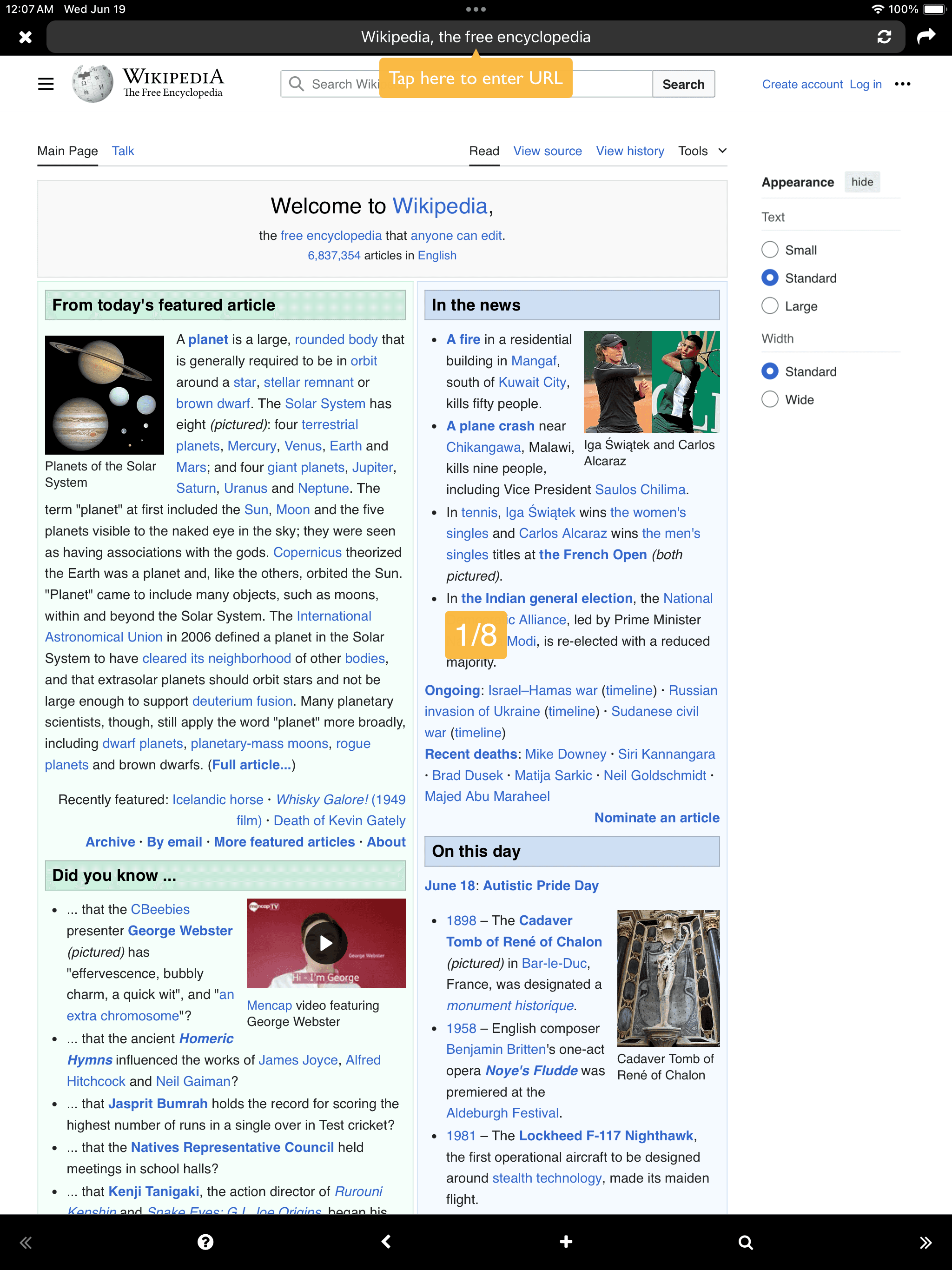
Web
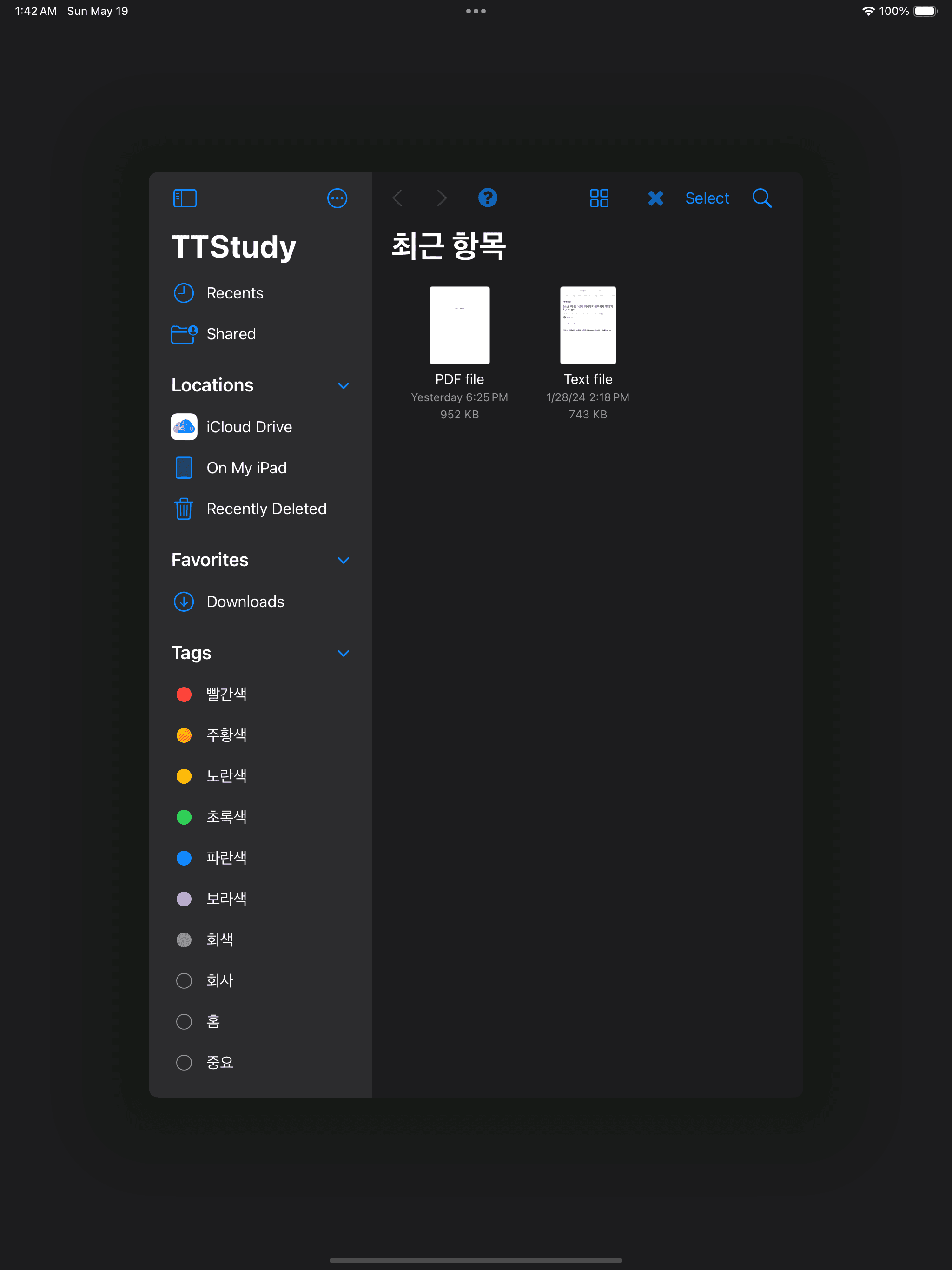
Open TXT/PDF (Document Browser)
Text Web Open TXT/PDF (Document Browser)

Web

Web
Web
Web

Text

Text
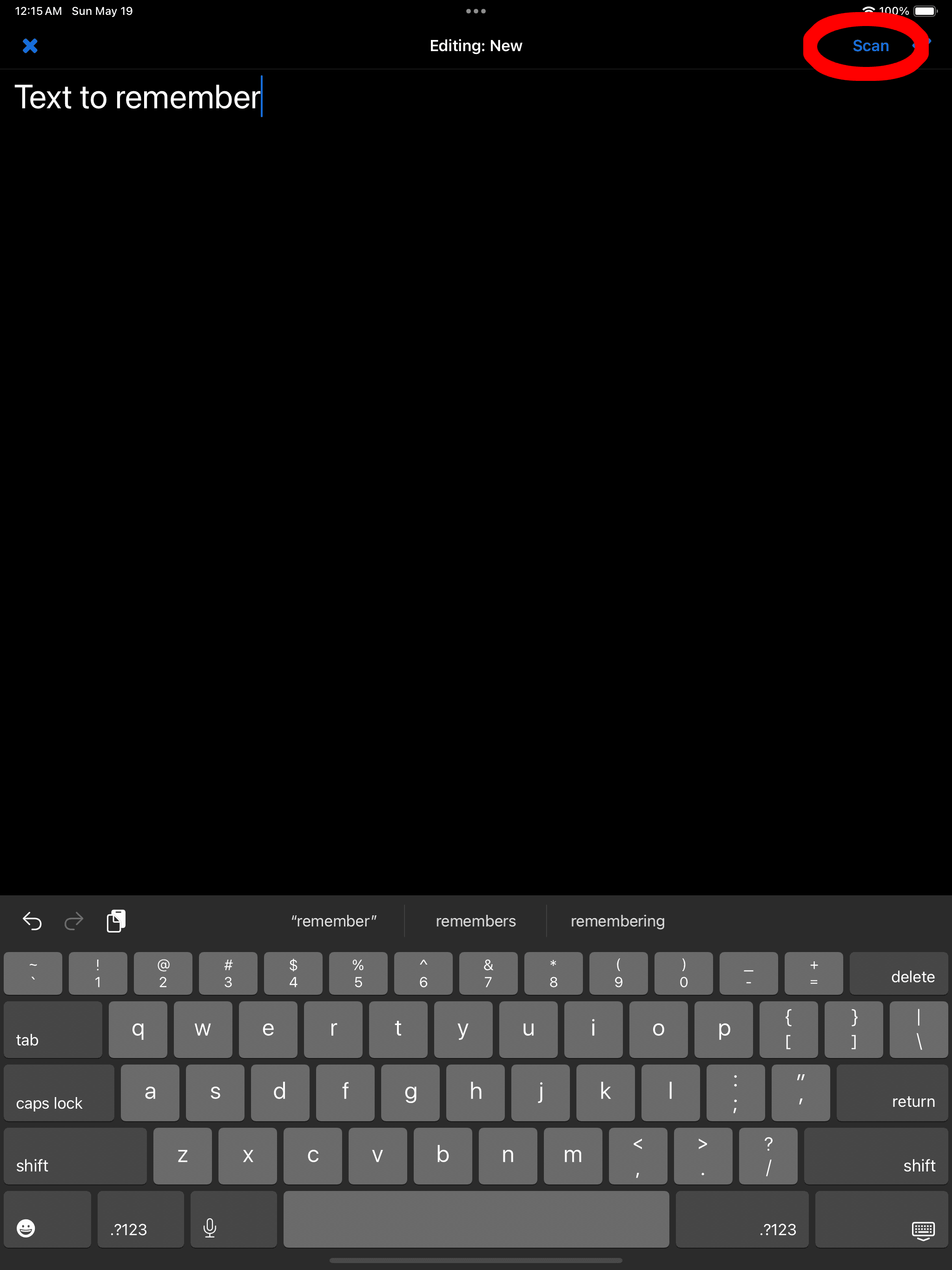
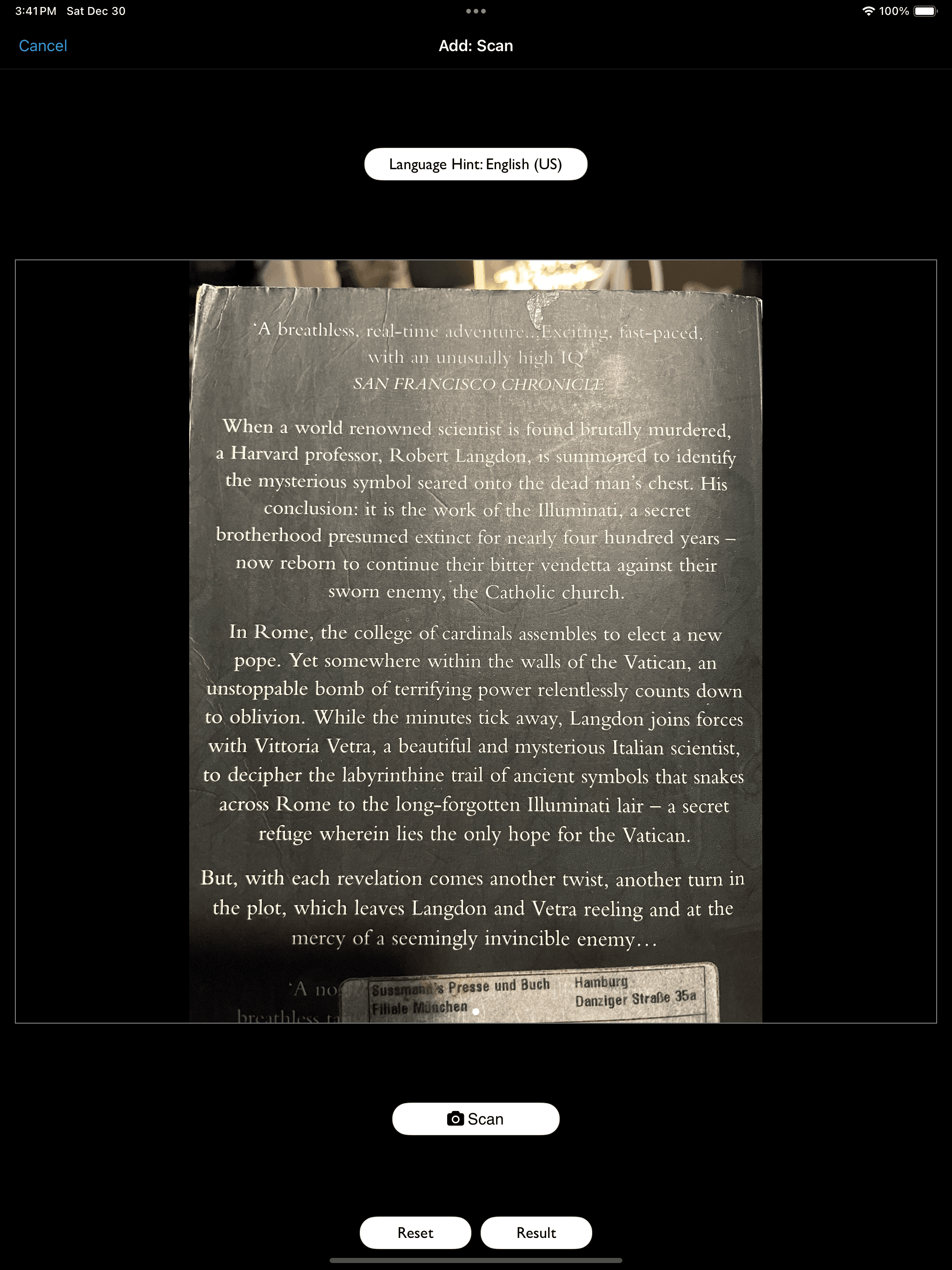
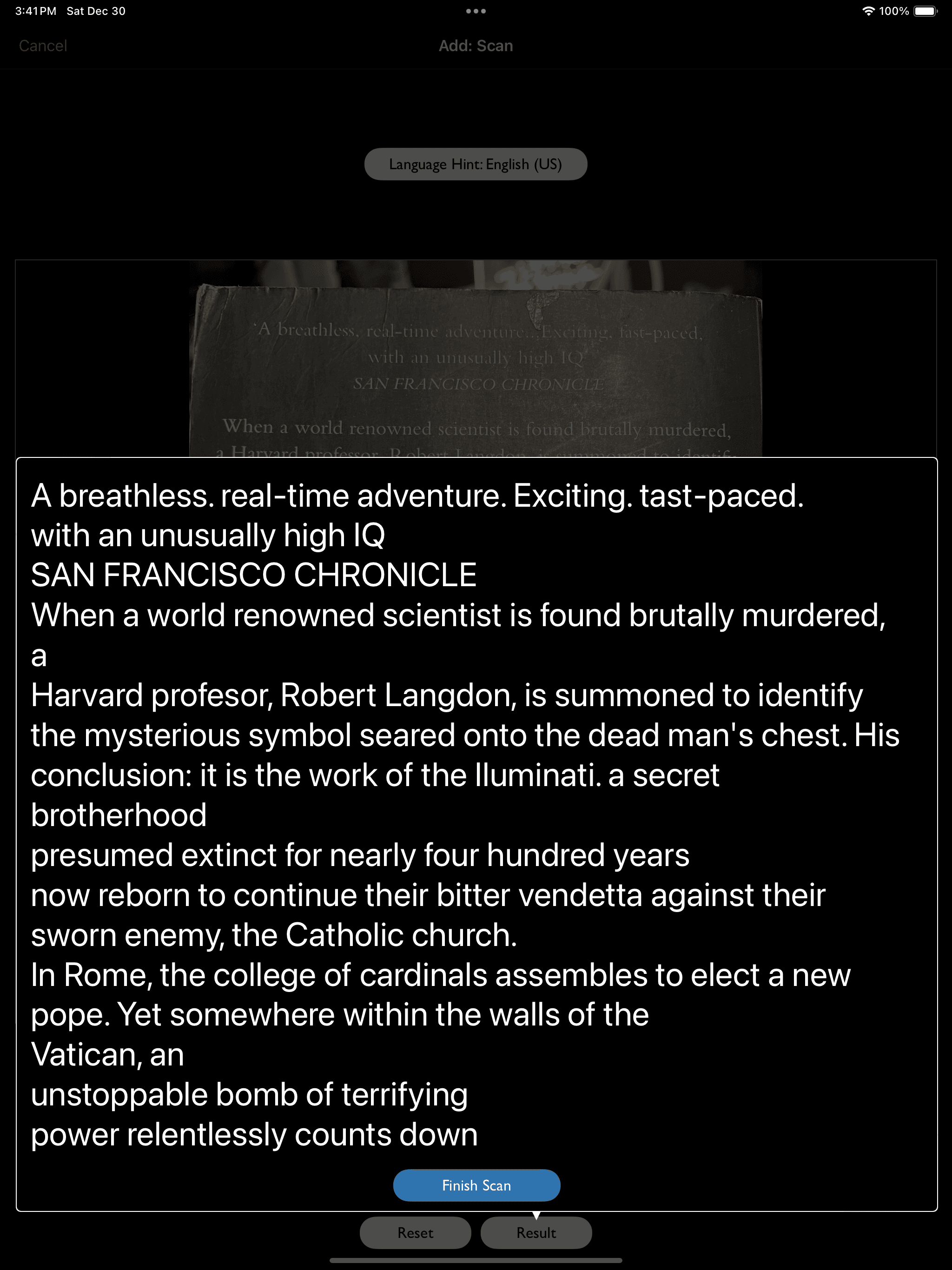
OCR (Scan) supported
Text

PDF

PDF

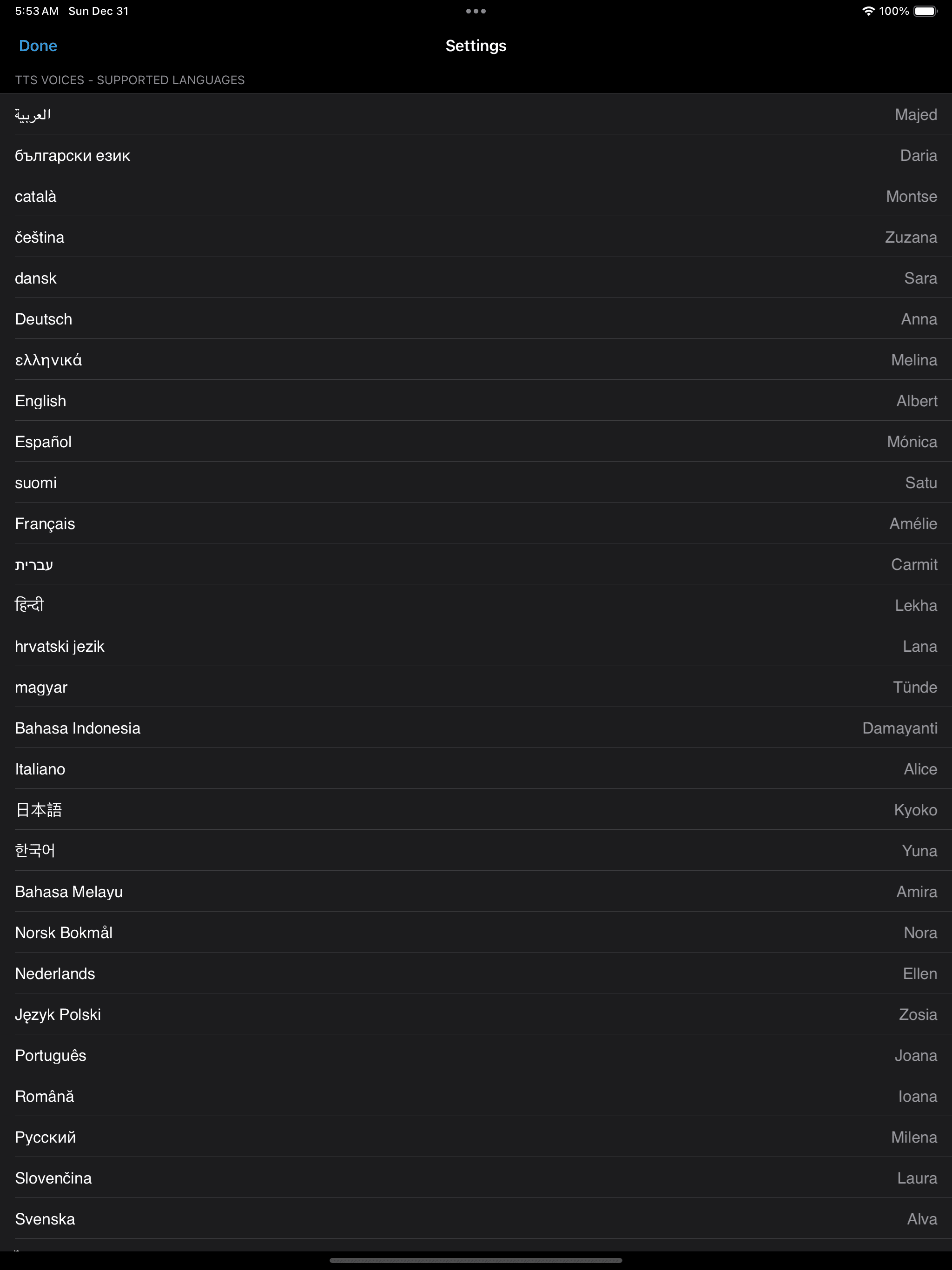
Multiple Languages

Multiple Languages

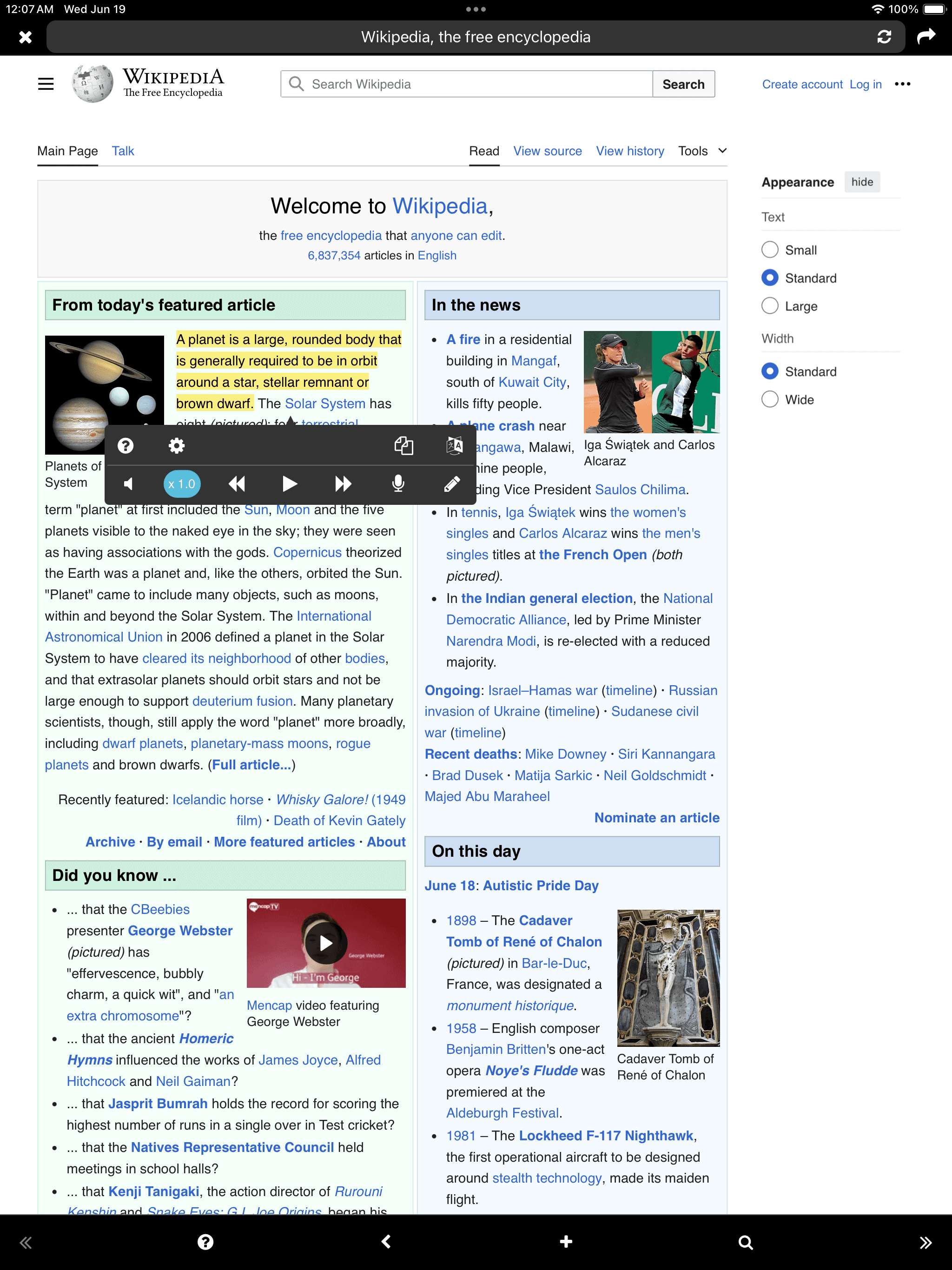
READ/LISTEN (TTS Play)
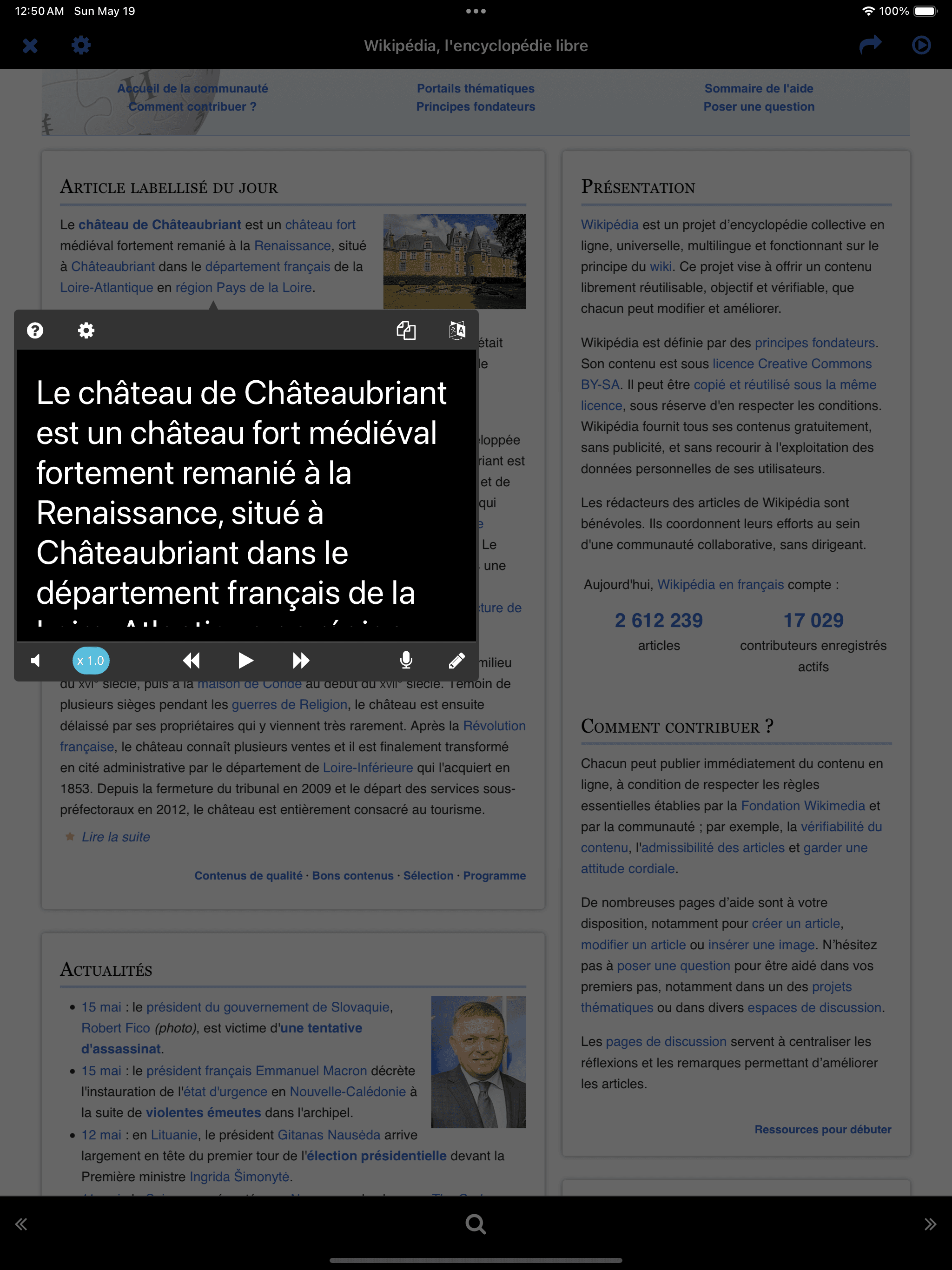
READ/LISTEN (TTS Play)
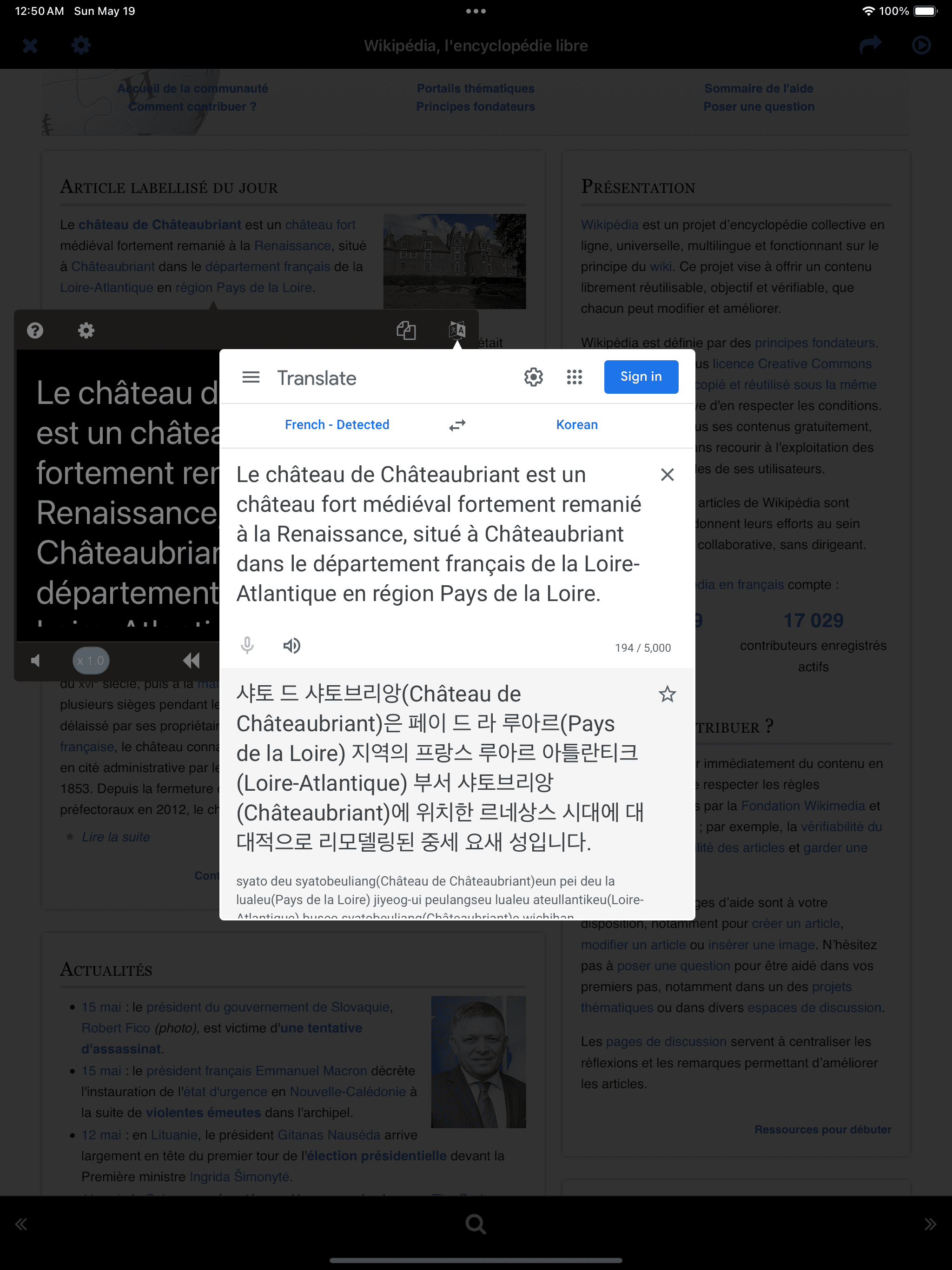
Instant Translation
* External Keyboard-
With Google Translate open, pressing the left/right arrows moves to the next sentence and automatically reopens Google Translate.
Instant Translation * External Keyboard- With Google Translate open, pressing the left/right arrows moves to the next sentence and automatically reopens Google Translate.

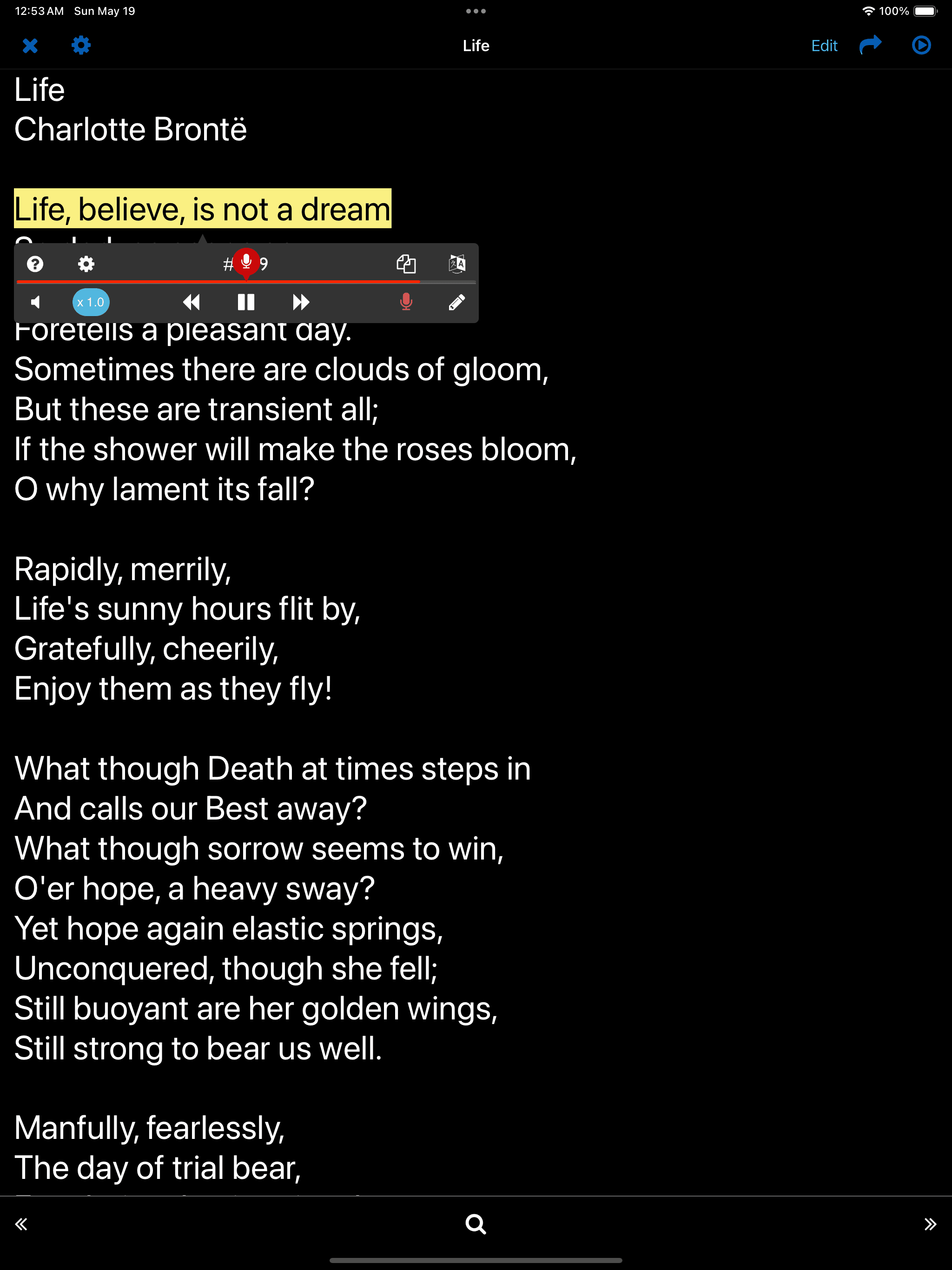
SPEAK - Read aloud

Tap the microphone button at the bottom right of the player
* Key Sentences-
Sentences used in the SPEAK/WRITE function are considered key sentences and are automatically stored separately for easy access.
Tap the microphone button at the bottom right of the player * Key Sentences- Sentences used in the SPEAK/WRITE function are considered key sentences and are automatically stored separately for easy access.

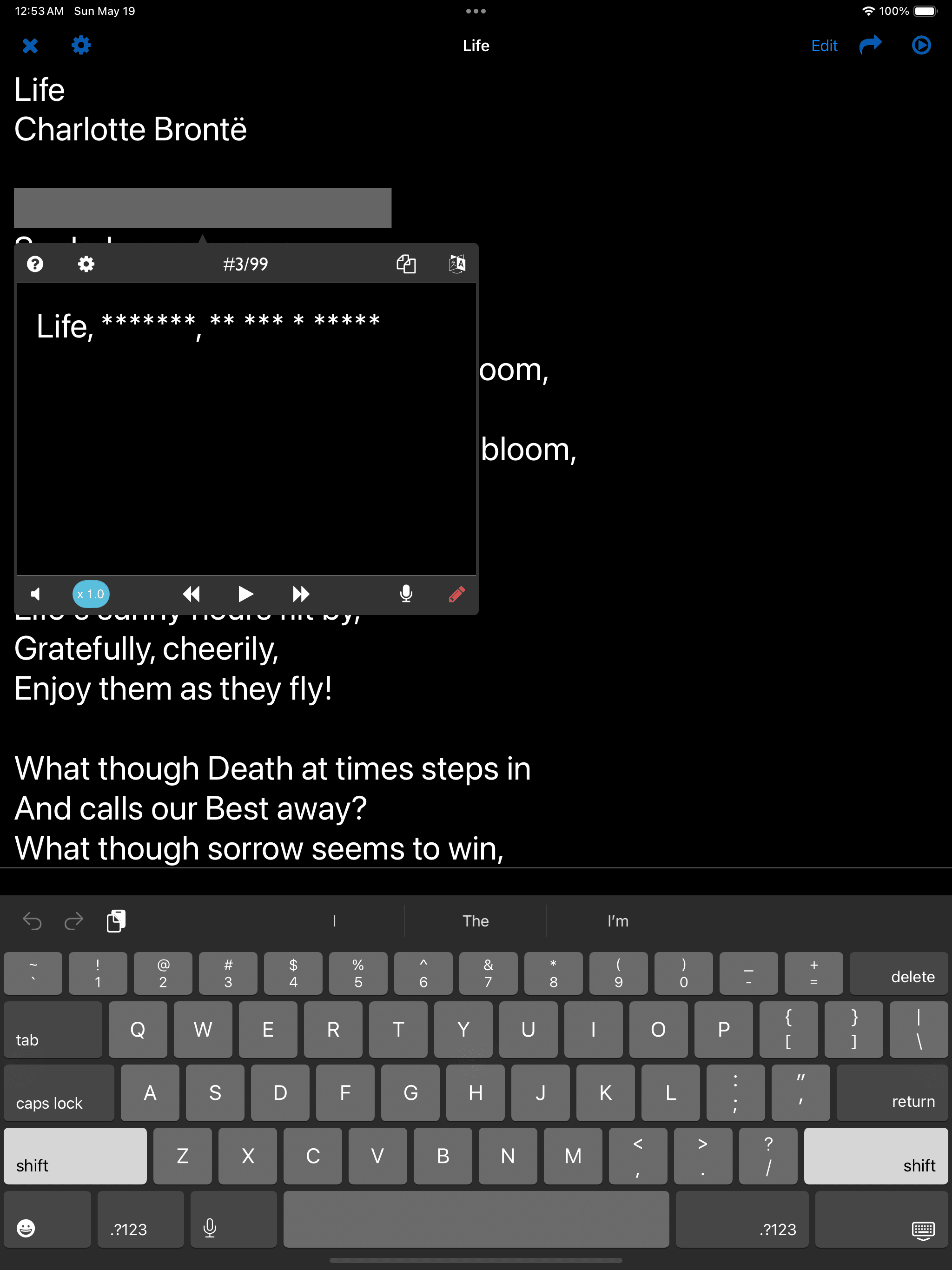
WRITE - Listen and dictate

Tap the pencil button at the bottom right of the player
* Key Sentences-
Sentences used in the SPEAK/WRITE function are considered key sentences and are automatically stored separately for easy access.
Tap the pencil button at the bottom right of the player * Key Sentences- Sentences used in the SPEAK/WRITE function are considered key sentences and are automatically stored separately for easy access.