CoCO SWING
Tutte le app

SpeakWeb

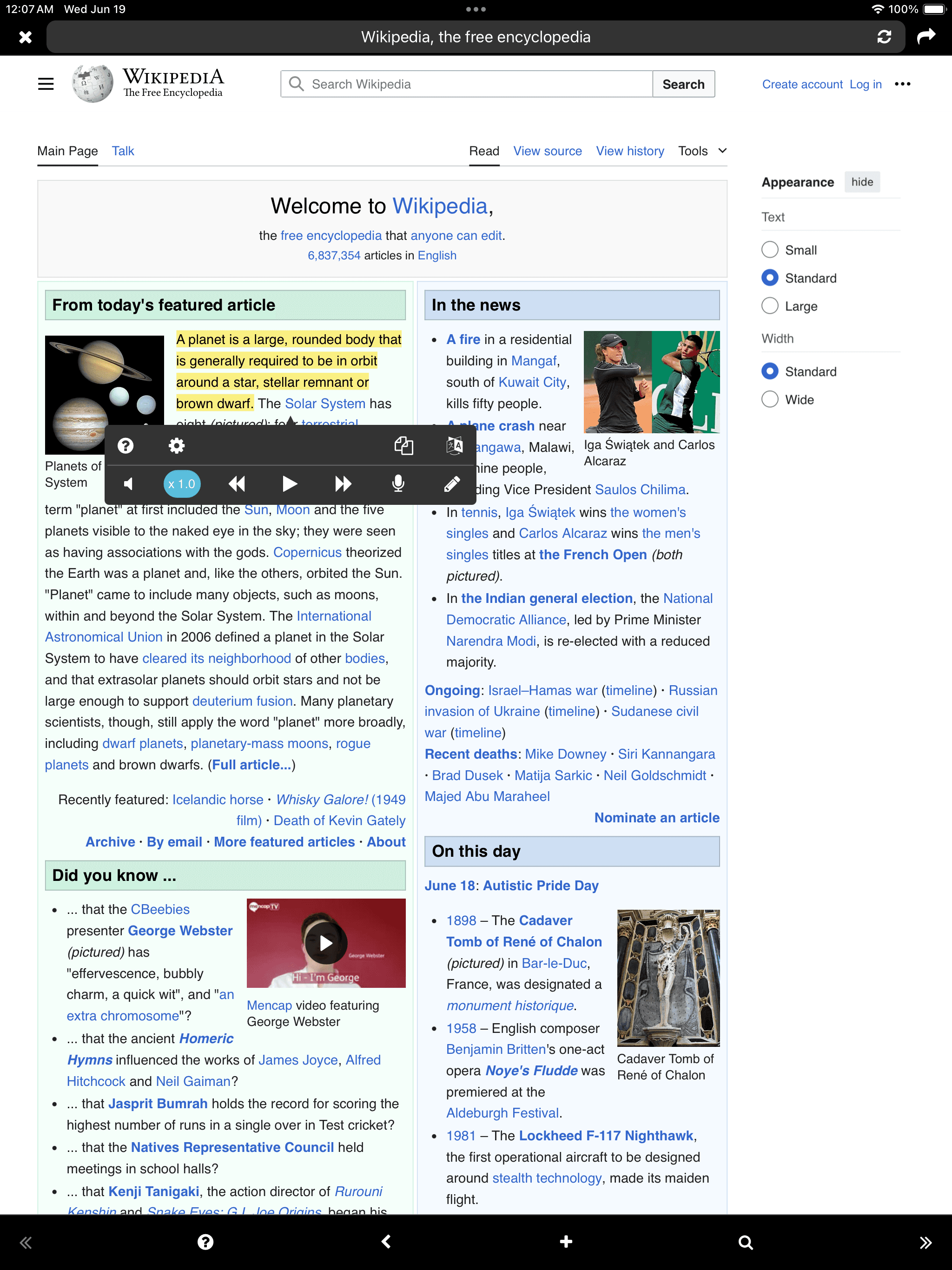
Web Reader

iOS
Download on the App Store
SpeakWeb

Fino ad oggi, il metodo di autoapprendimento è stato leggere con gli occhi o prendere appunti a mano. Che ne dici di innestare anche l'ascolto?

Puoi leggere il contenuto di apprendimento ad alta voce mentre registri e riproduci. Puoi digitare con la tastiera, senza usare carta e penna. Leggere il testo ad alta voce o digitarlo aiuterà sicuramente a mantenere il testo più a lungo nella tua memoria.

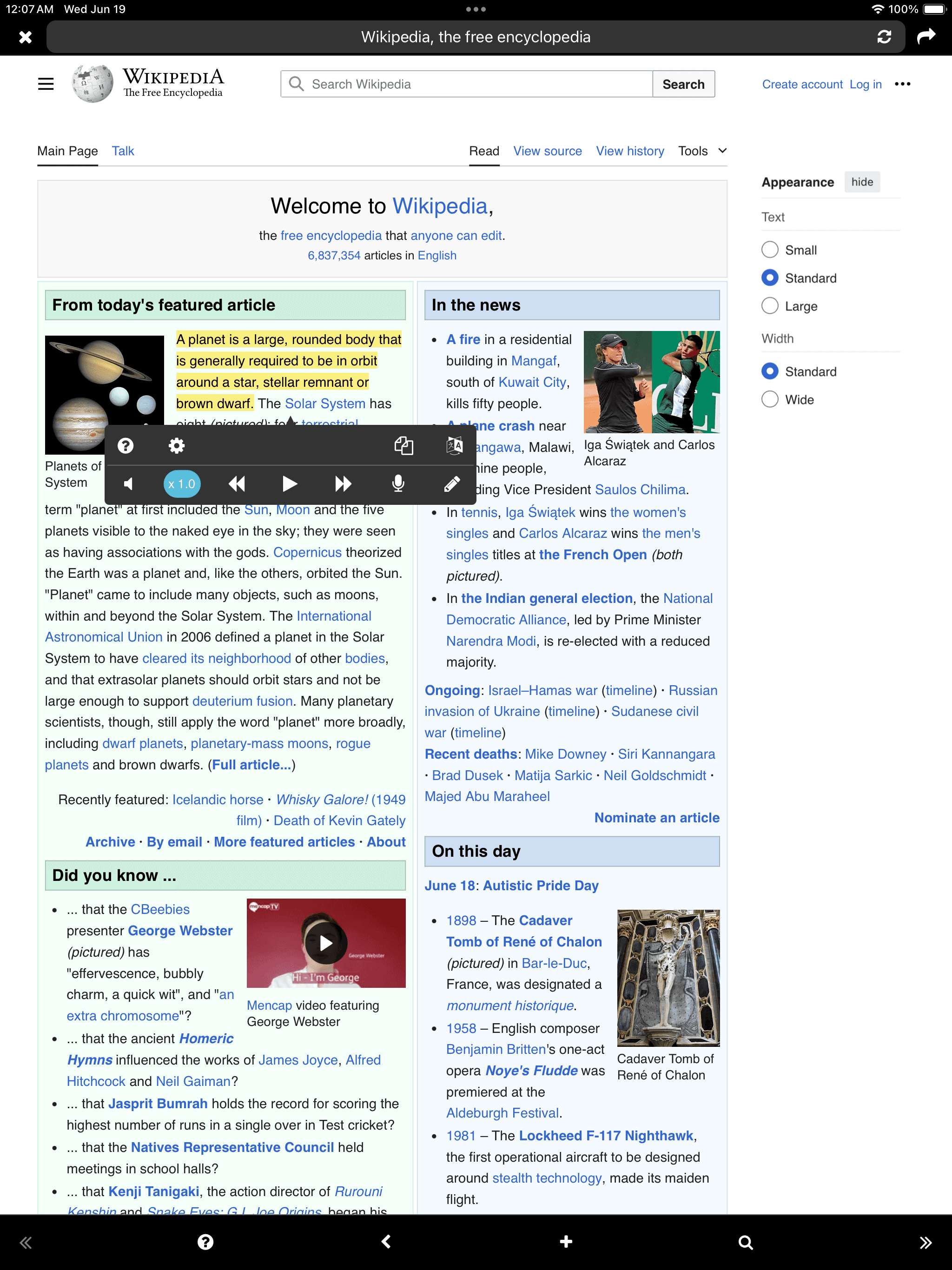
- Ascolto tramite TTS (Text-to-Speech) - Parlare tramite registrazione - Scrivere tramite tastiera - Riproduzione in background “Anche in situazioni in cui non puoi vedere lo schermo, puoi leggere libri come ascoltare musica” - Collegamento a Google Traduttore “Quando leggi un documento scritto in una lingua straniera, puoi tradurlo immediatamente” - Sito web, Testo, PDF - iCloud

Usa SpeakWeb per migliorare la tua efficienza di apprendimento!

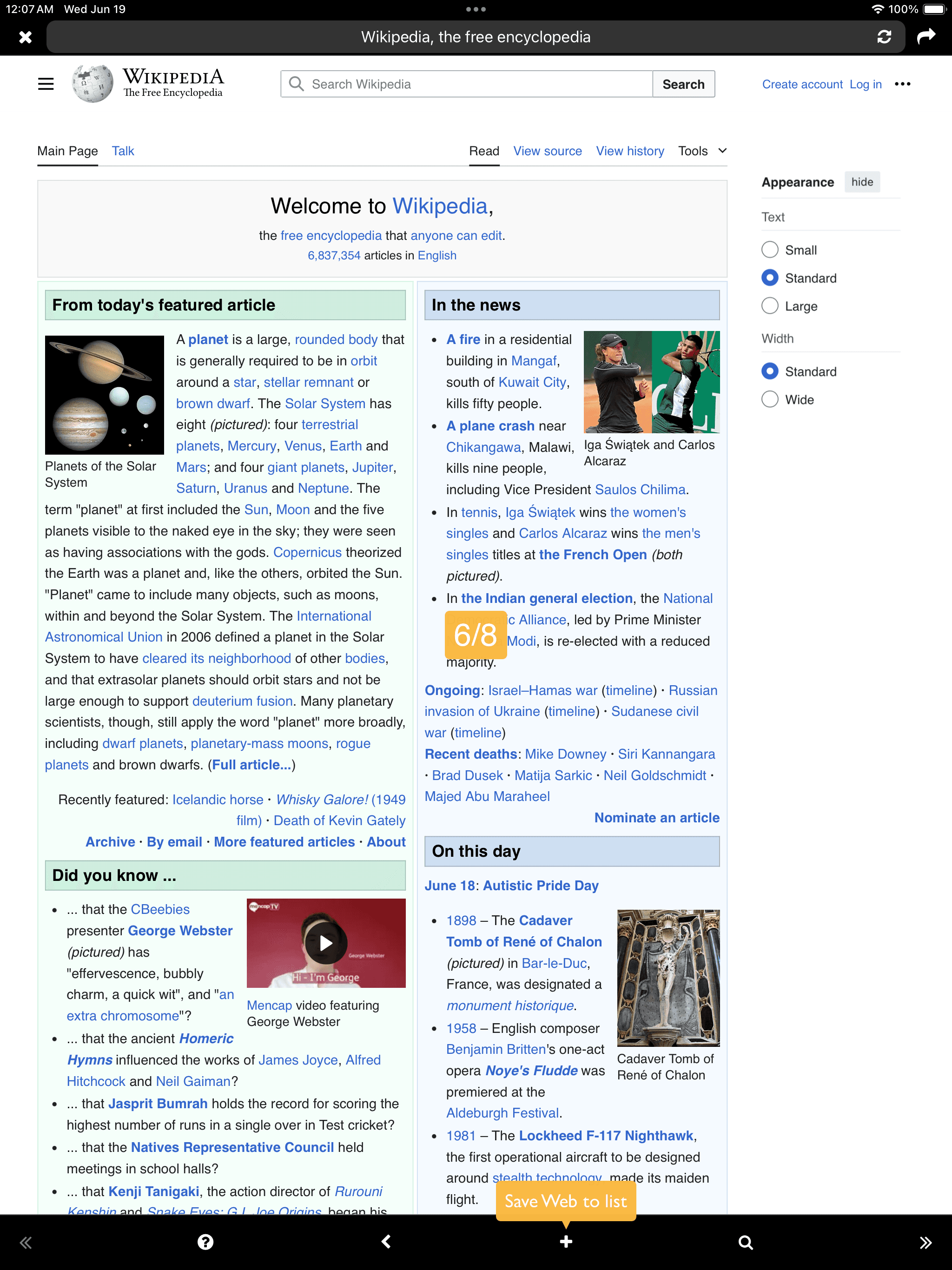
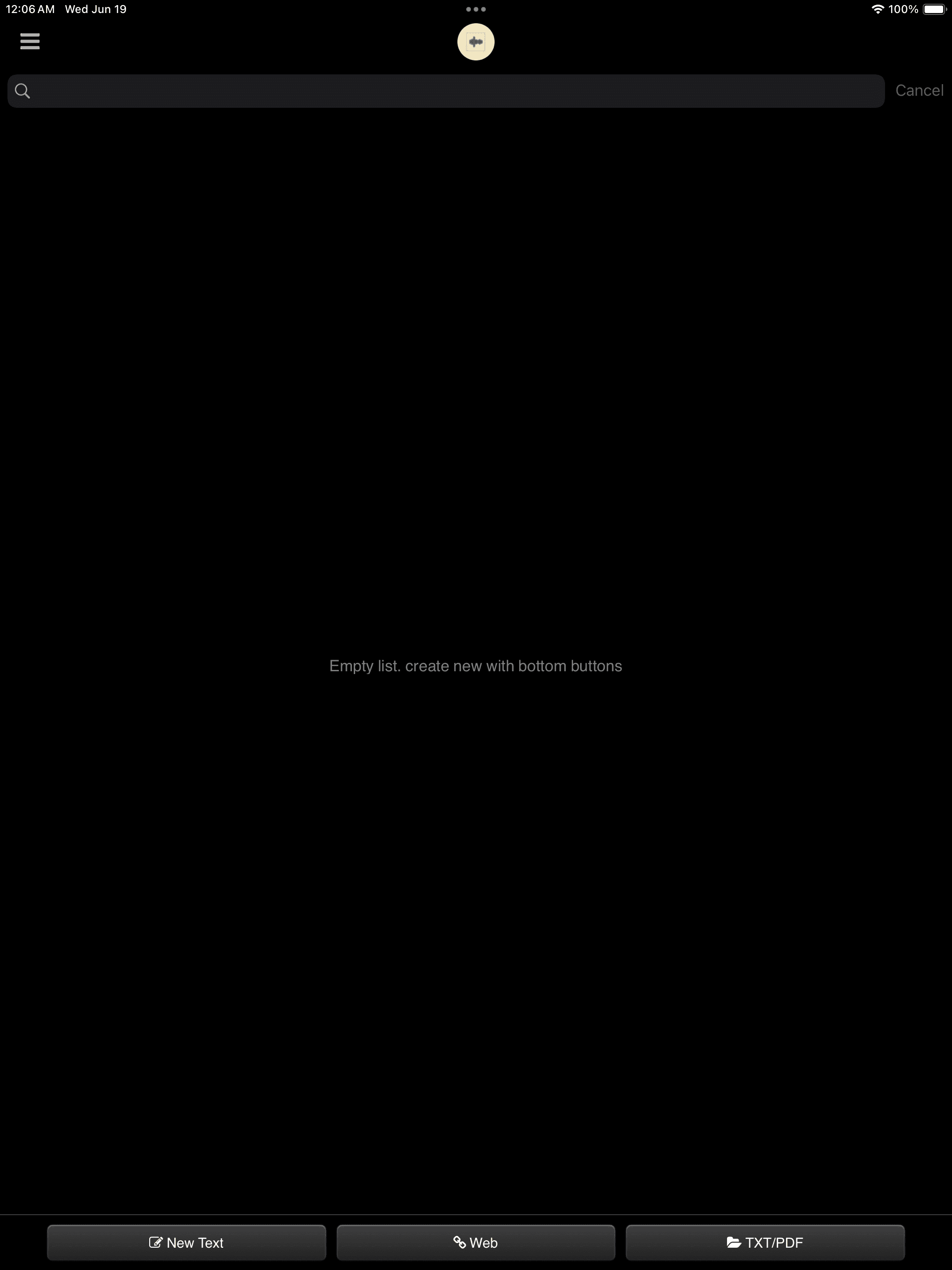
Add
Testo
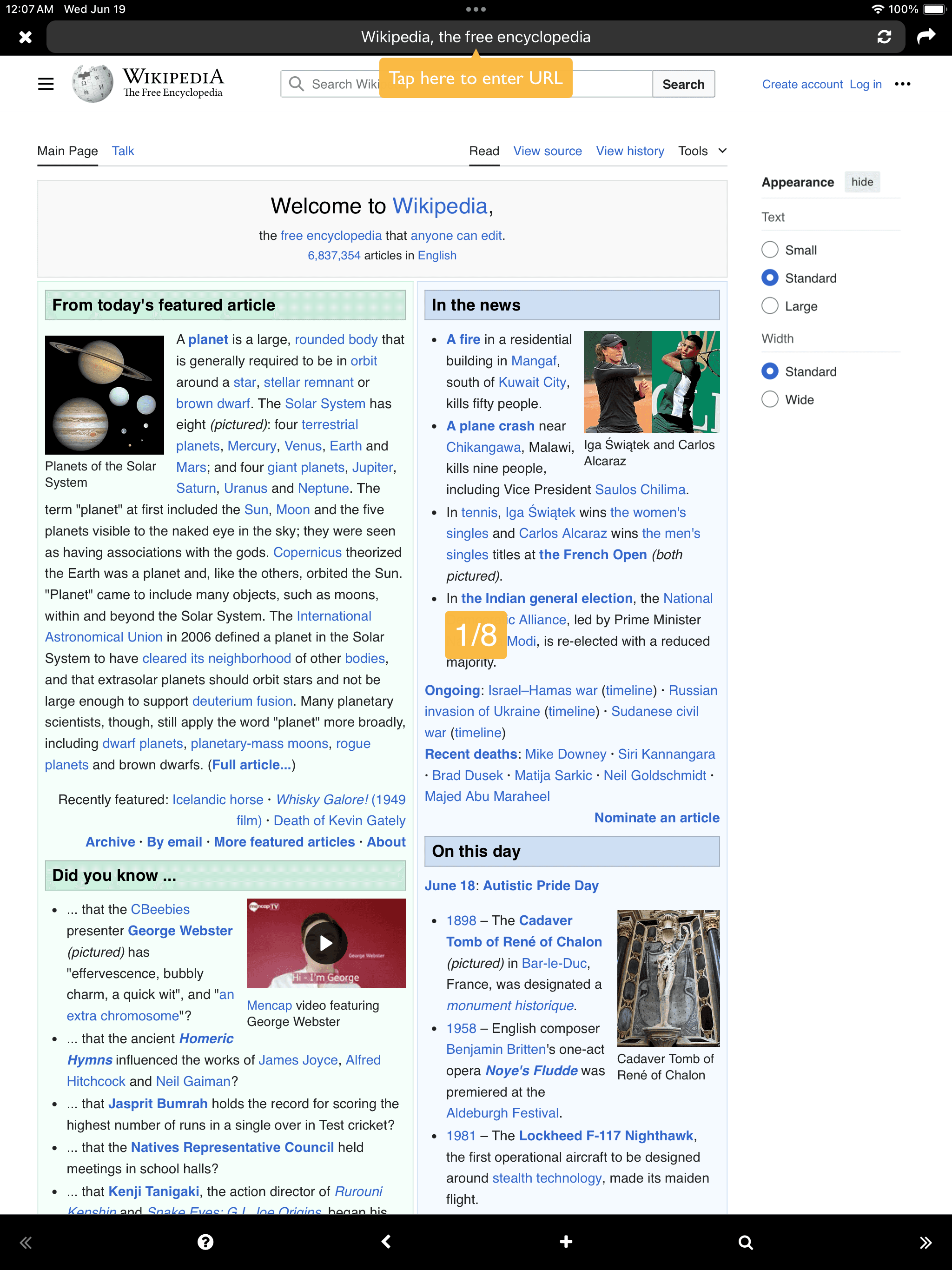
Web
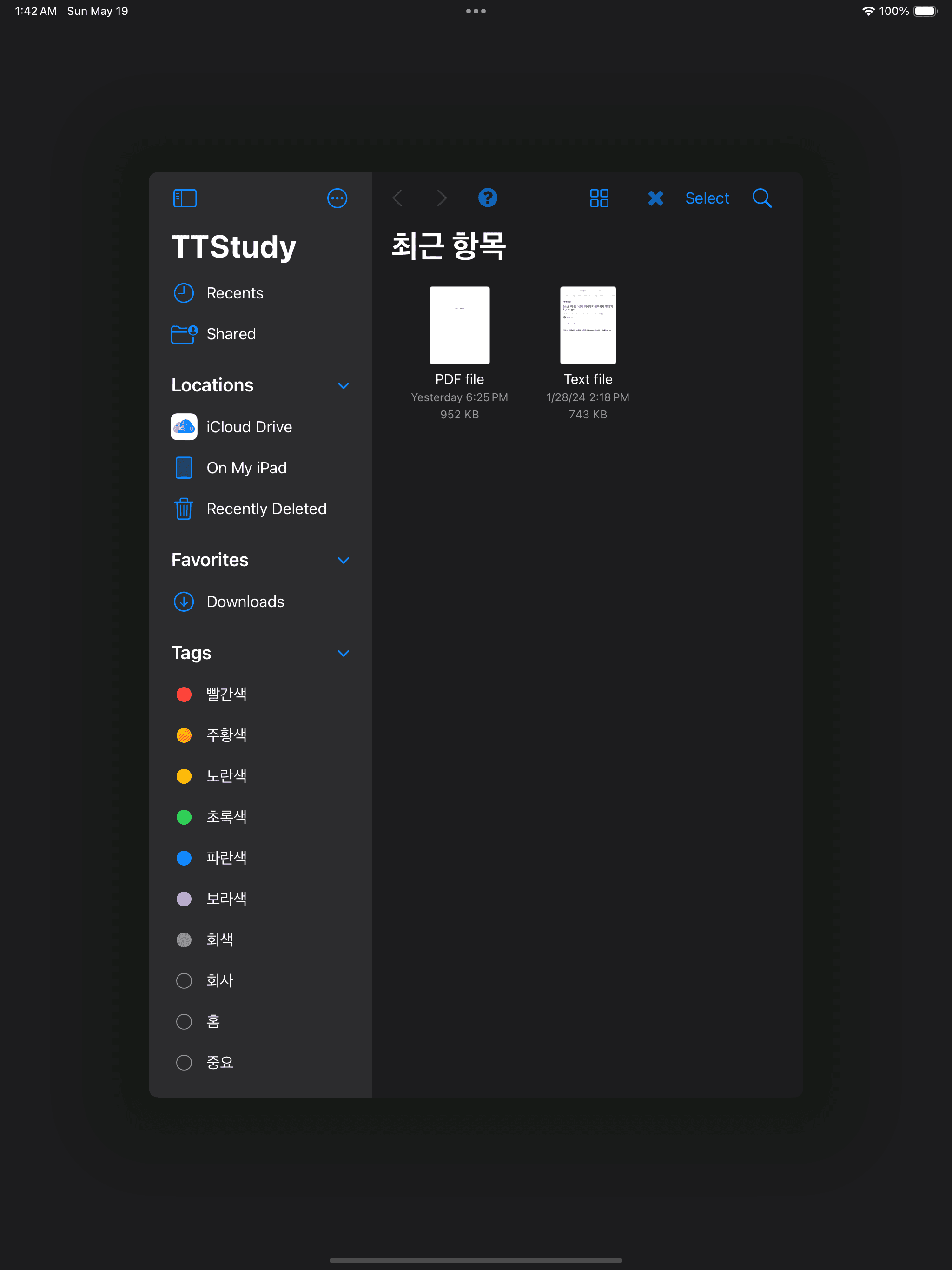
Open TXT/PDF (Document Browser)
Testo Web Open TXT/PDF (Document Browser)

Web

Web
Web
Web

Testo

Testo
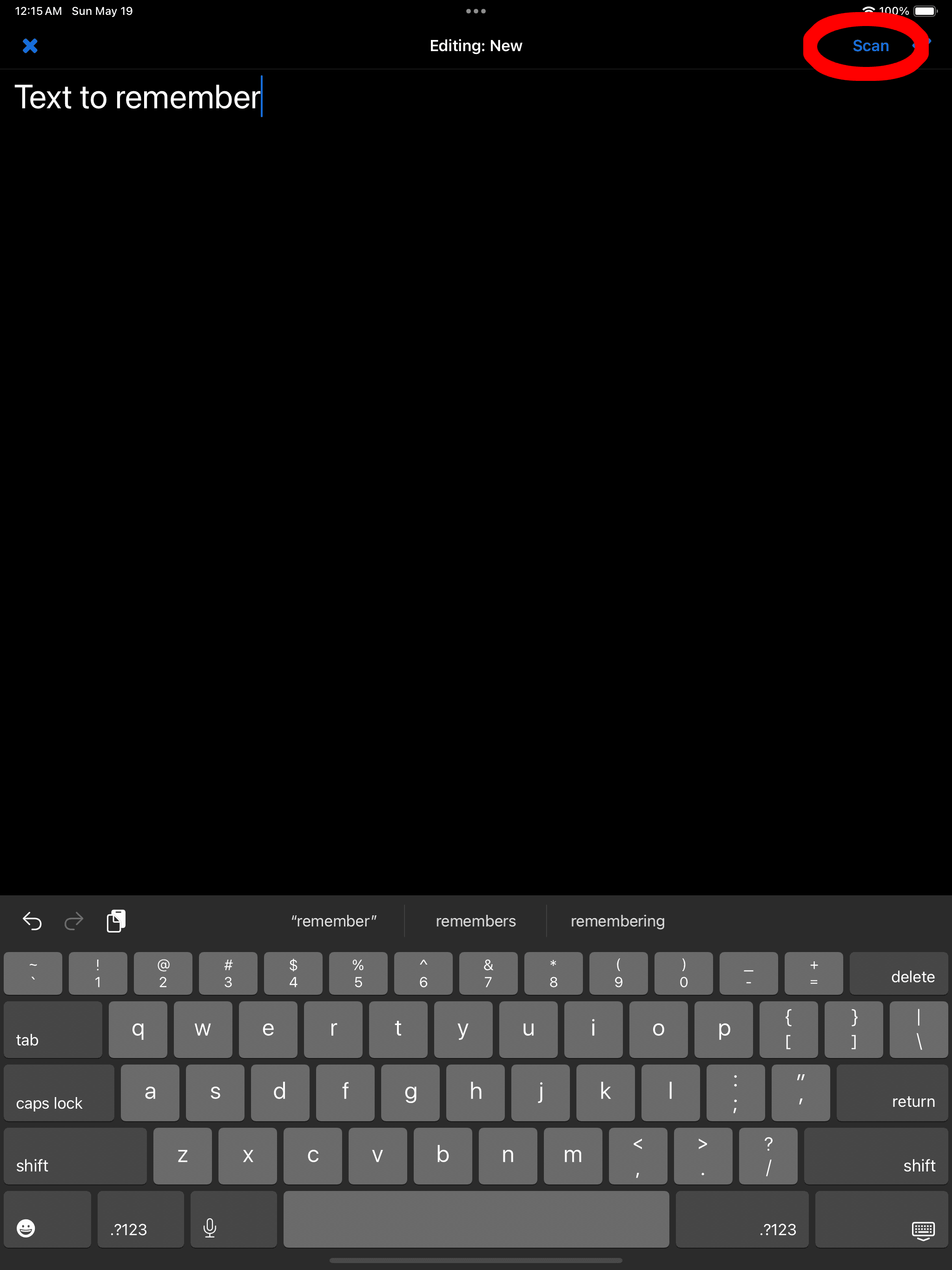
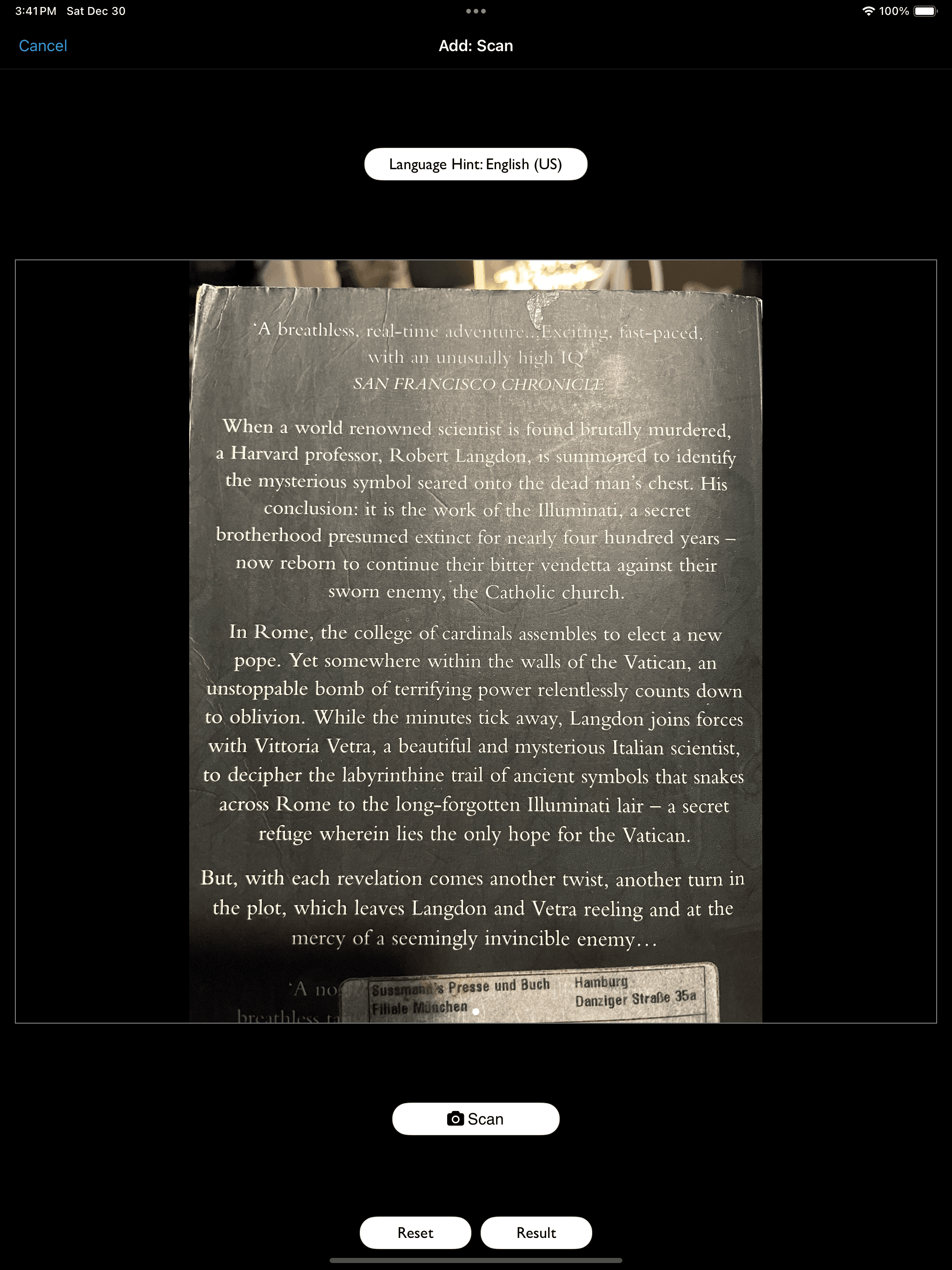
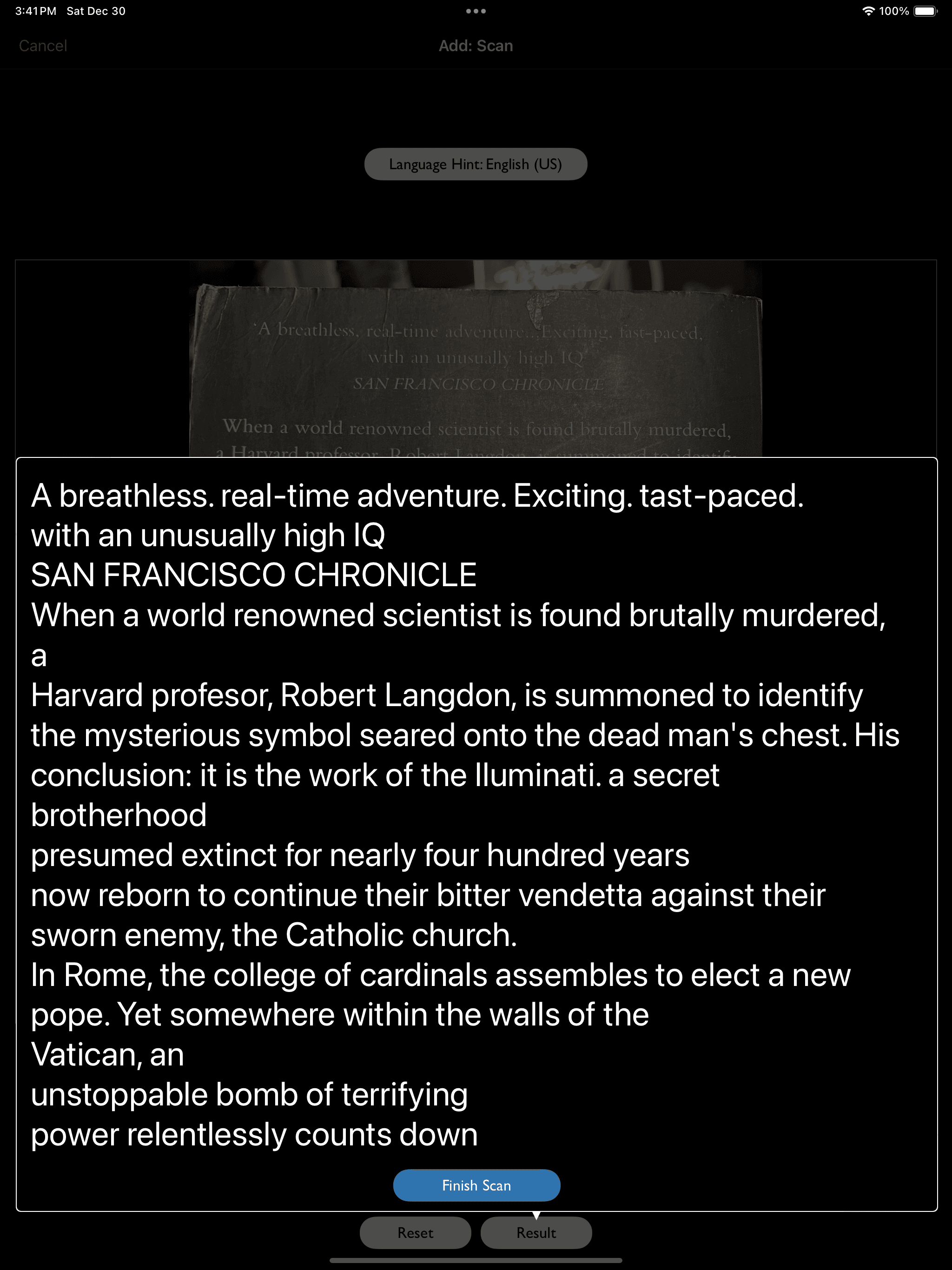
OCR (Scan) supported
Testo

PDF

PDF

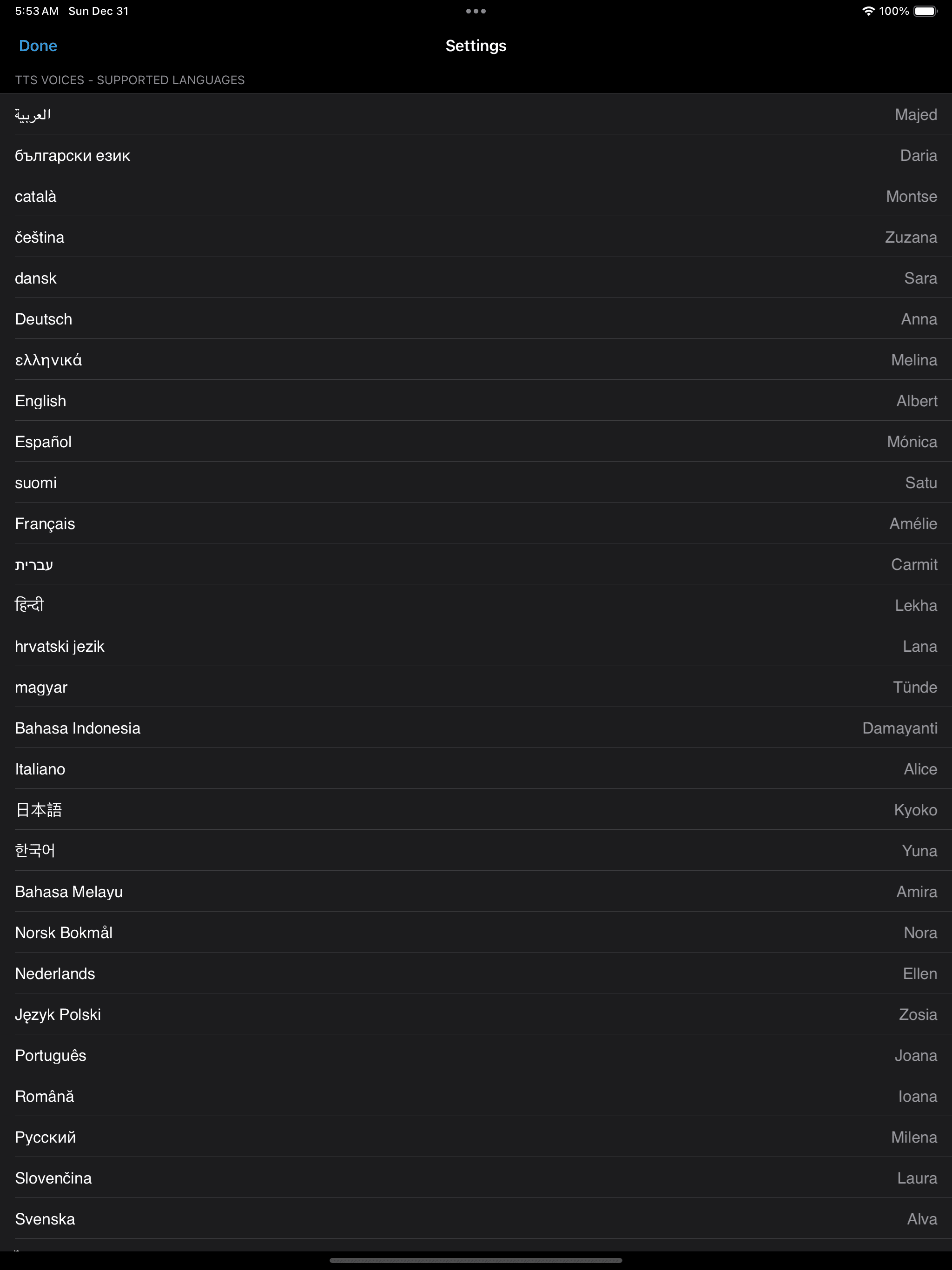
Multiple Languages

Multiple Languages

LEGGI/ASCOLTA (Riproduzione TTS)
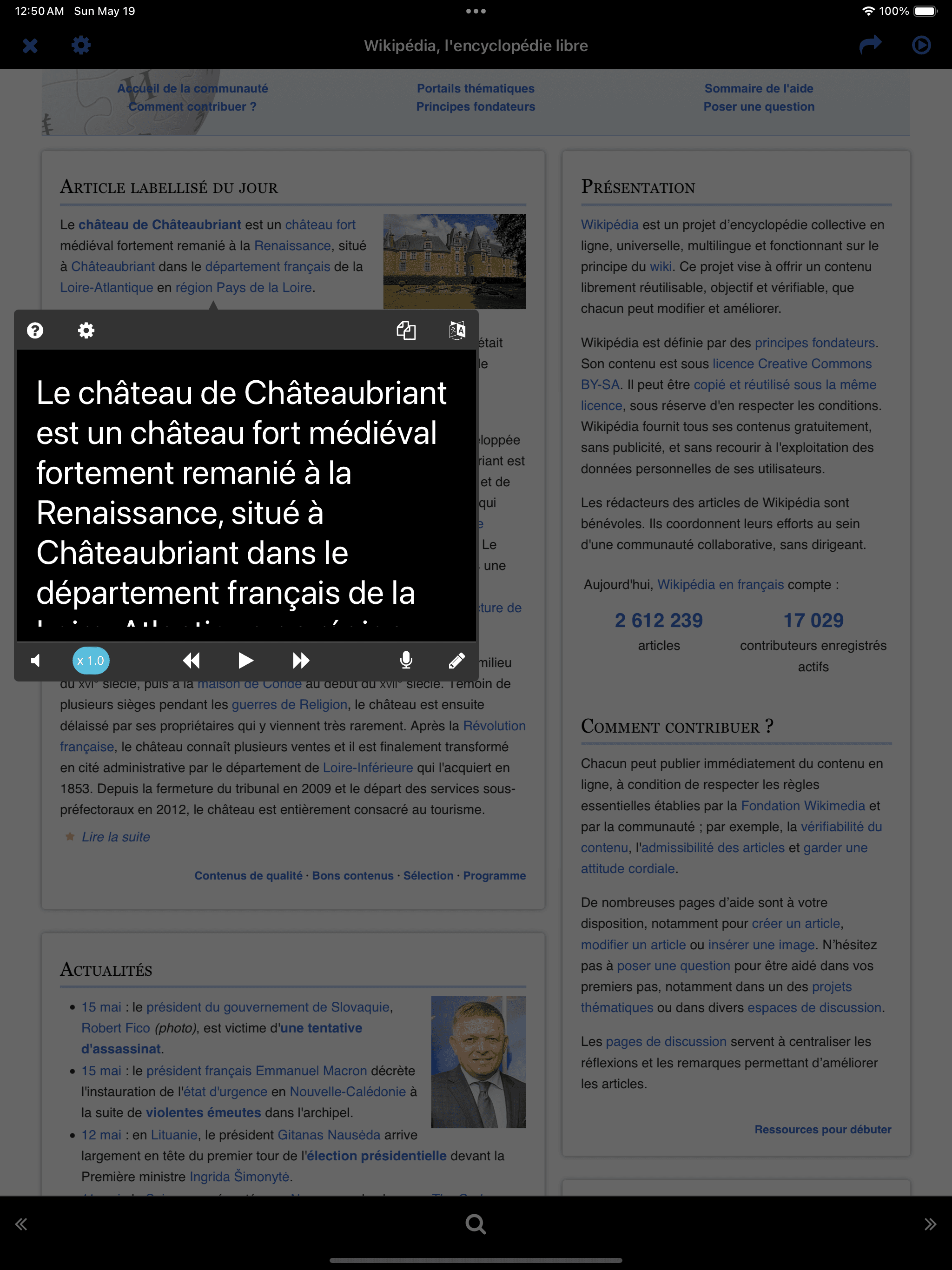
LEGGI/ASCOLTA (Riproduzione TTS)
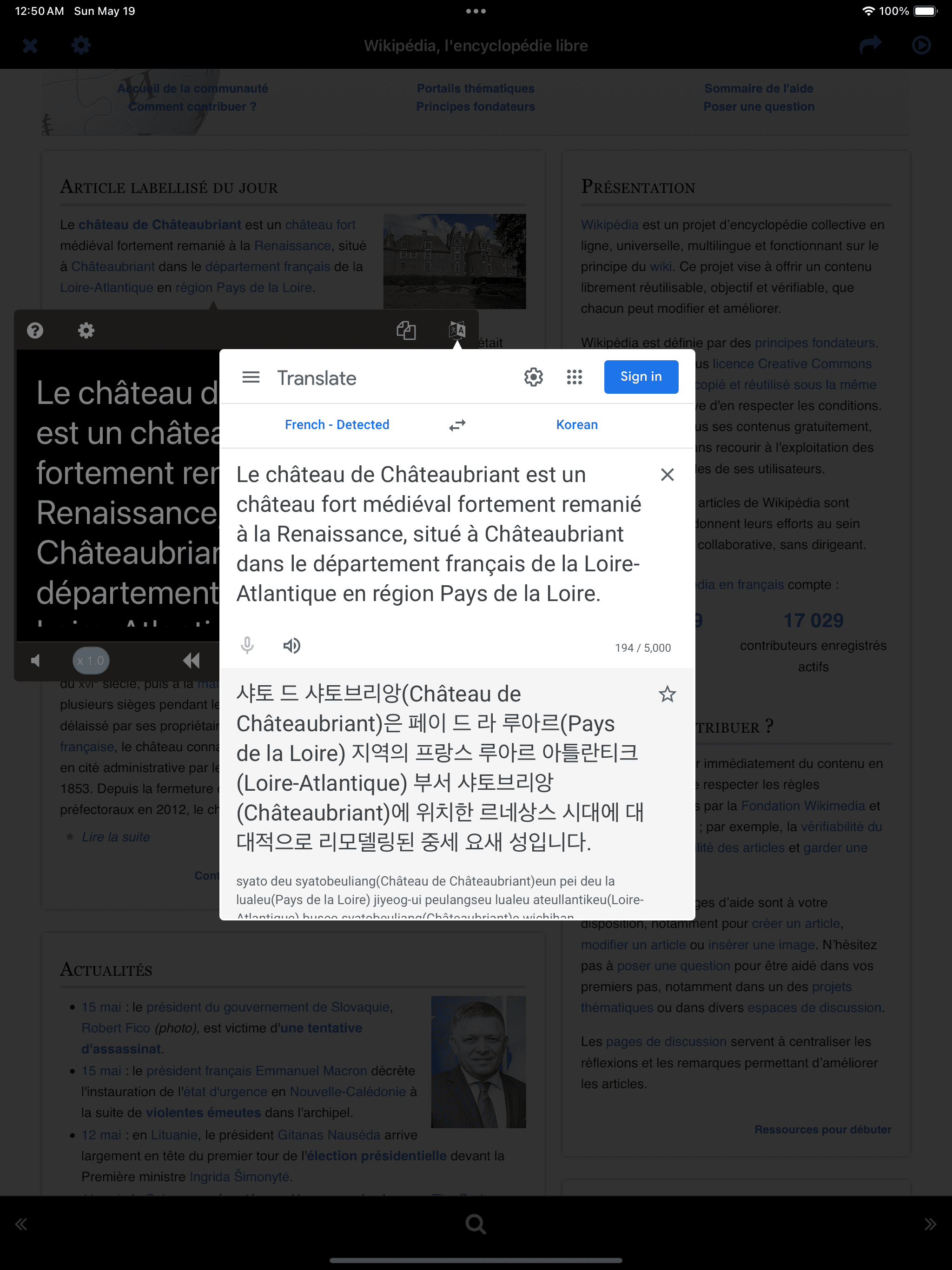
Instant Translation
* Tastiera esterna-
With Google Translate open, pressing the left/right arrows moves to the next sentence and automatically reopens Google Translate.
Instant Translation * Tastiera esterna- With Google Translate open, pressing the left/right arrows moves to the next sentence and automatically reopens Google Translate.

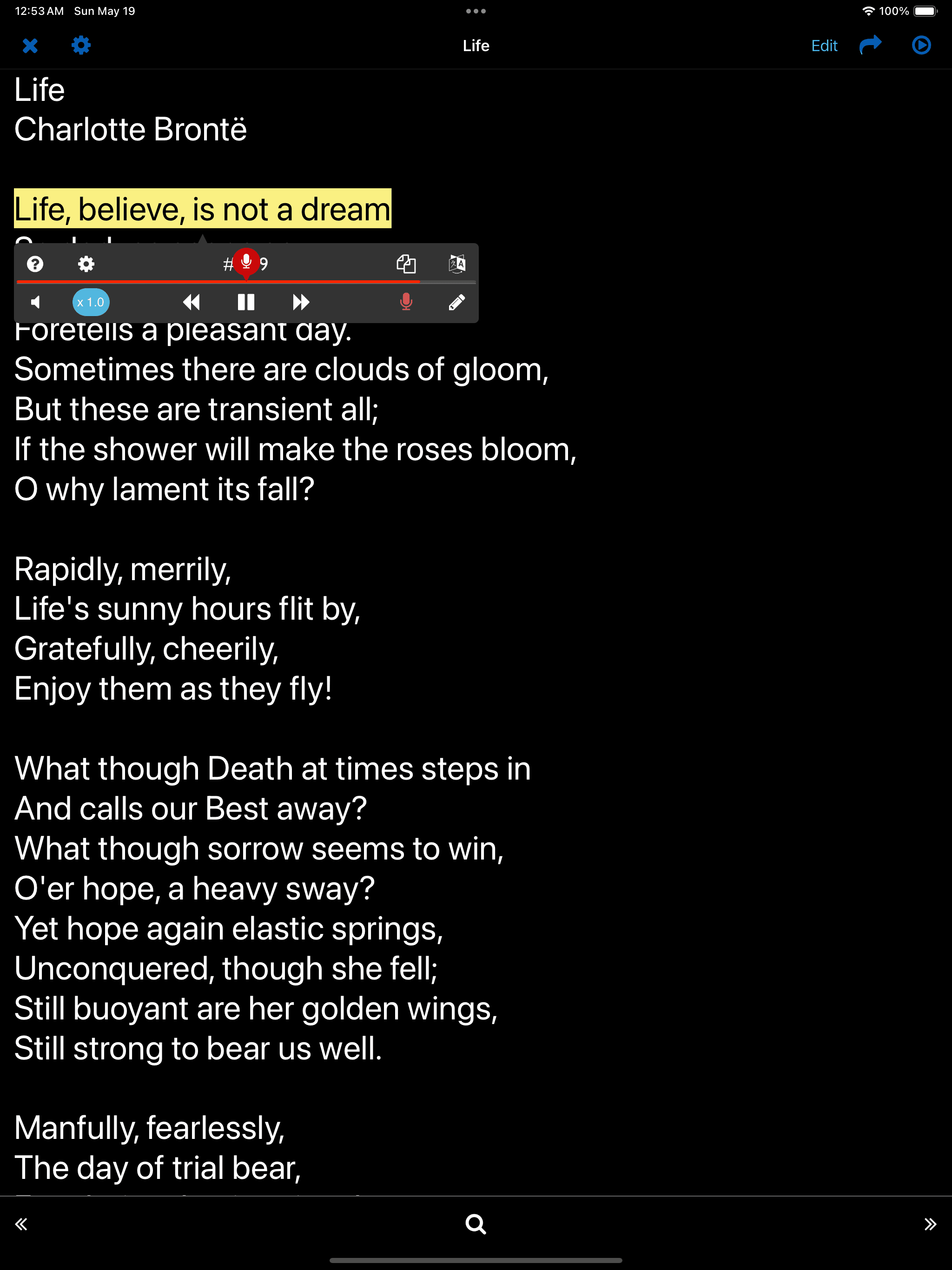
Parlare - Lettura ad alta voce

Tap the microphone button at the bottom right of the player
* Key Sentences-
Sentences used in the SPEAK/WRITE function are considered key sentences and are automatically stored separately for easy access.
Tap the microphone button at the bottom right of the player * Key Sentences- Sentences used in the SPEAK/WRITE function are considered key sentences and are automatically stored separately for easy access.

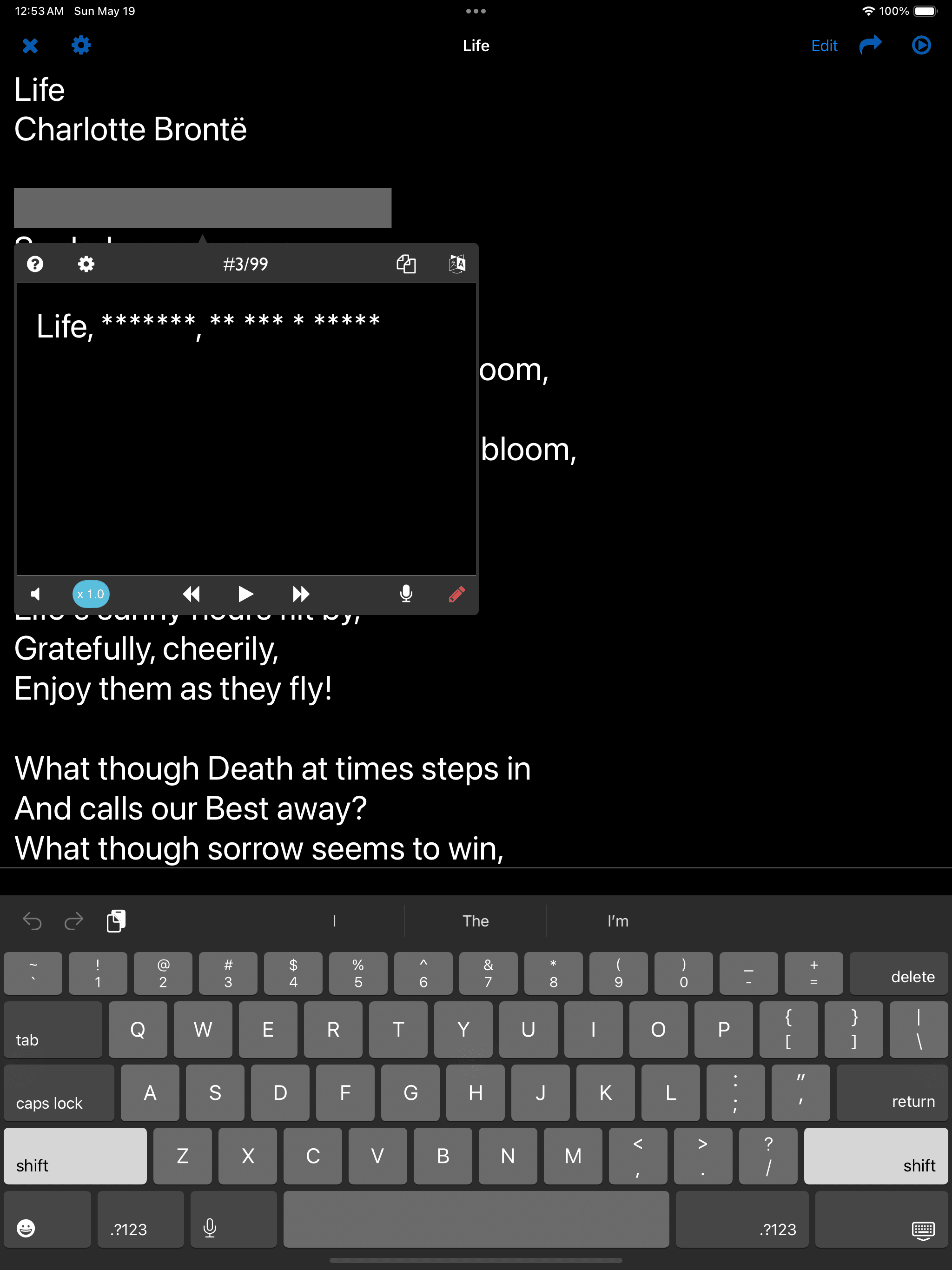
Scrivere - Ascolto e scrittura

Tap the pencil button at the bottom right of the player
* Key Sentences-
Sentences used in the SPEAK/WRITE function are considered key sentences and are automatically stored separately for easy access.
Tap the pencil button at the bottom right of the player * Key Sentences- Sentences used in the SPEAK/WRITE function are considered key sentences and are automatically stored separately for easy access.